How to Assign Accounts to an Operator
To create/change the list of Accounts an Operator has access to:
1. Follow the procedure How to Modify an Existing Operator on page 116 until the Edit
modify screen, and select Account list.
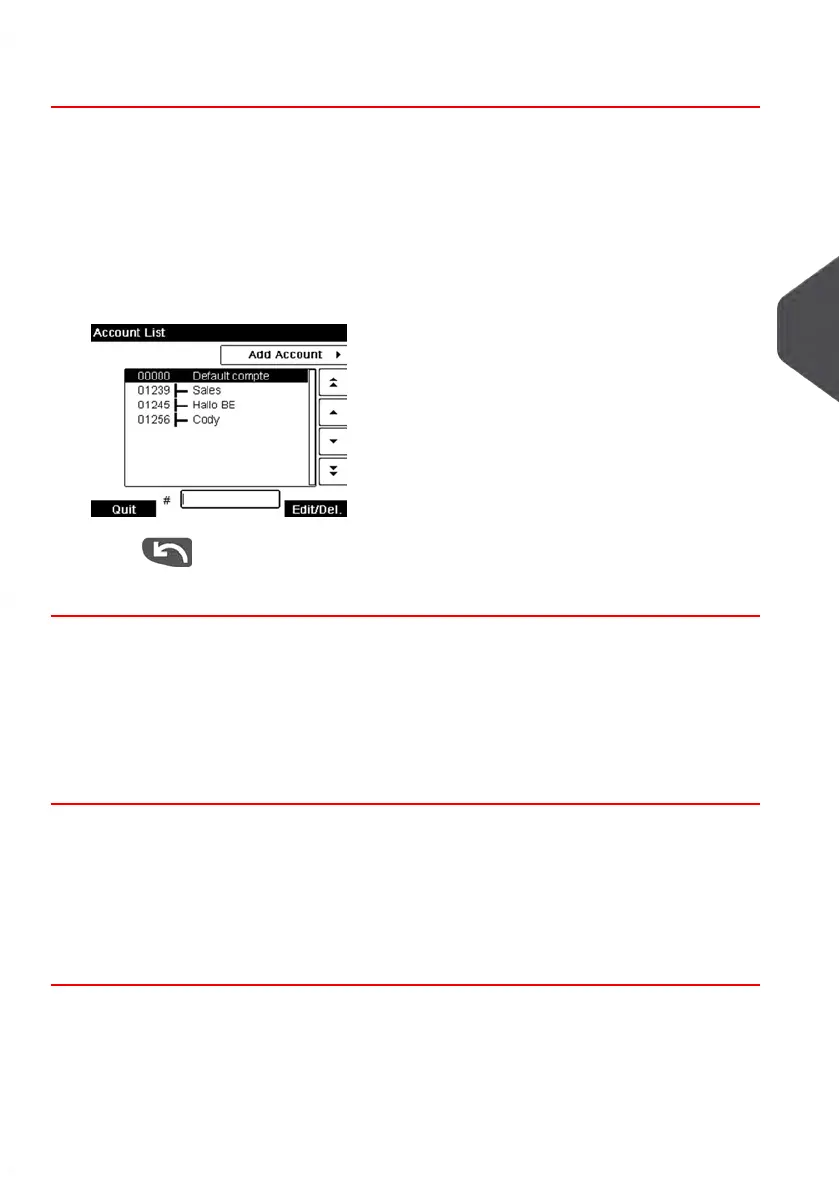
The Account List screen is displayed.
2. Select Add Account.
The Account list screen is displayed.
3.
Press to return to the Edit / modify screen.
4. Press [OK] to accept the changes.
Activating Operators
The ability to select the status of an operator allows you to create as many operators as
you need in advance. Users cannot use deactivated operator PIN codes for new operators.
How to Activate / Deactivate an Operator
To activate or deactivate an Operator:
1. Perform procedure How to Modify an Existing Operator on page 116.
2. In the operator options, select the line Status to activate or deactivate the operator
(the button displays the current status), and then press [OK].
3. Once the Operator modification summary screen appears, press [OK].
5
Managing Accounts and Assigning Rights
117
| Page 117 | Jan-13-2017 10:45 |















 To Next Page