Otherwise, you can press the back key to modify any of the
settings made previously and obtain a new summary.
Selecting a Permit
This section describes the system settings to be selected to print a Permit Mail Meter
Impression.
When selecting the [Permit Mail] type of impression, a default
permit impression is automatically selected.
See also
• How to Change the Default Permit Impression on page 175.
• Managing Permit Impressions on page 197.
How to Select a Permit Impression
To select a Permit Impression:
From the [Permit mail] home screen:
1. As a user:
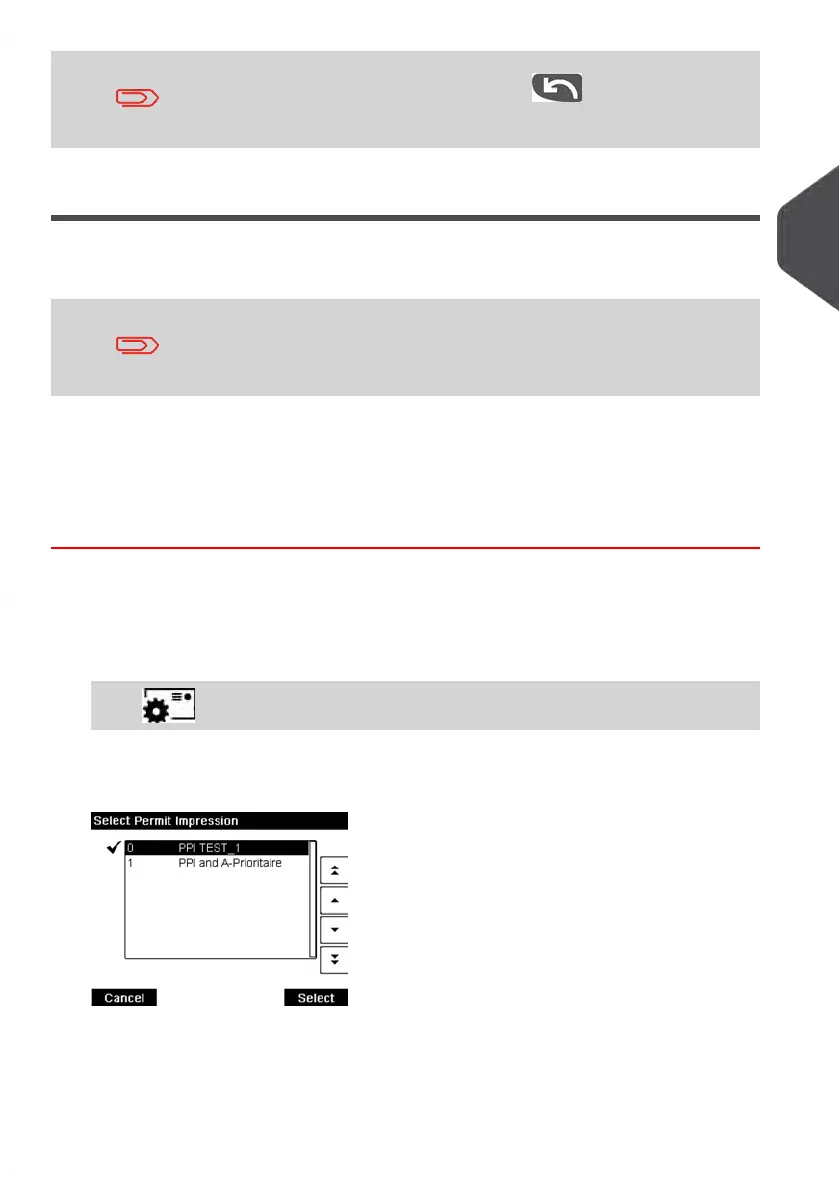
Press on the keyboard and then select: Permit number
The Select Permit Impression screen is displayed.
3
Processing Mail
71
| Page 71 | Jan-13-2017 10:45 |















 To Next Page