How to Use an Impression Memory
To use an impression memory:
1. Either:
Press and select the path: Impression Memories
Press
or
The impression memories list is displayed.
2. Select an impression memory in the list.
3. Press [OK] to validate your selection.
The impression memory zone (Mem) of the home screen displays the current
impression memory name.
Using the Sealing Function
Auto-Feeder Sealer
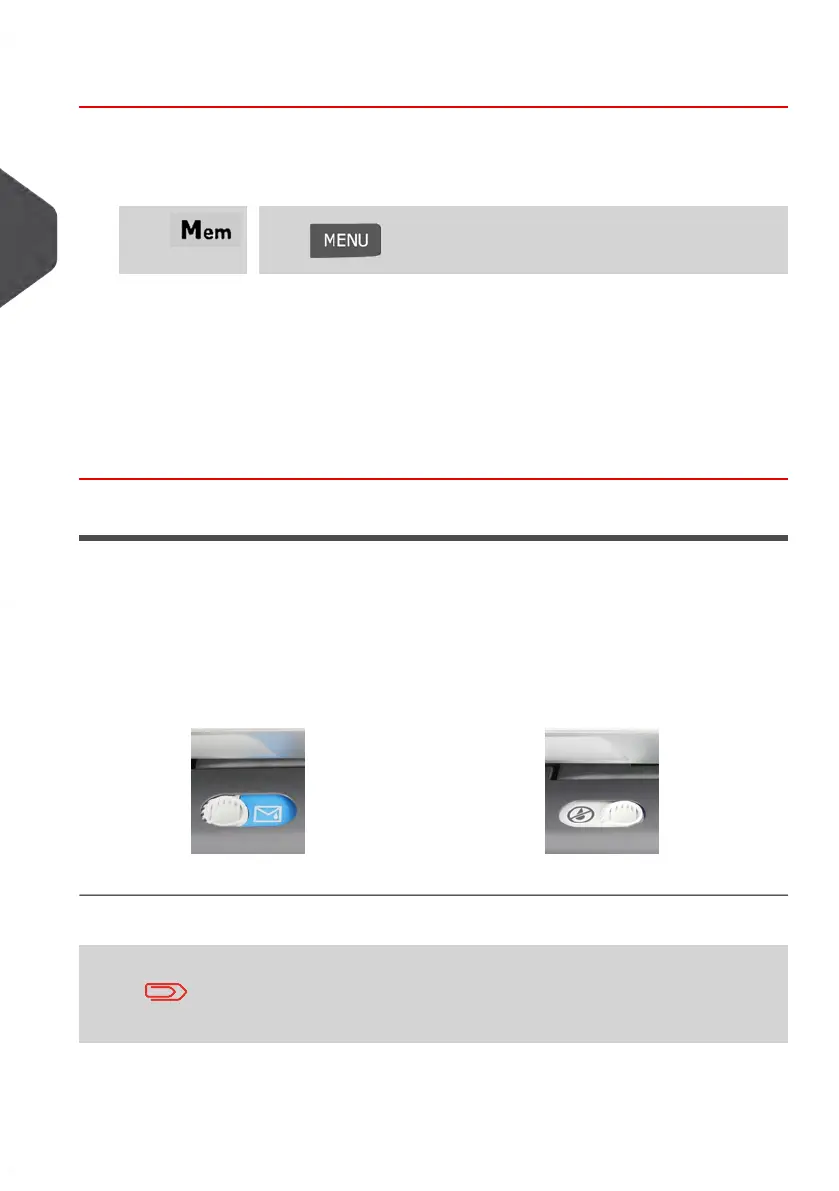
Your Auto-Feeder can seal envelopes while printing postage or for “seal only” usage.
Move the selector at the front of the Feeder right or left to change the sealing mode:
Sealer OFFSealer ON
Do not insert sealed envelopes in the Feeder when the Sealing
Function is ON: the envelopes could jam.
80
| Page 80 | Jan-13-2017 10:45 |
3
Processing Mail















 To Next Page