Selecting a Rate
Selecting a rate allows the Mailing System to calculate the postage amount when the mail
piece weight is available, either from a weighing device or, for big parcels, entered manually
(see How to Enter the Weight Manually on page 75).
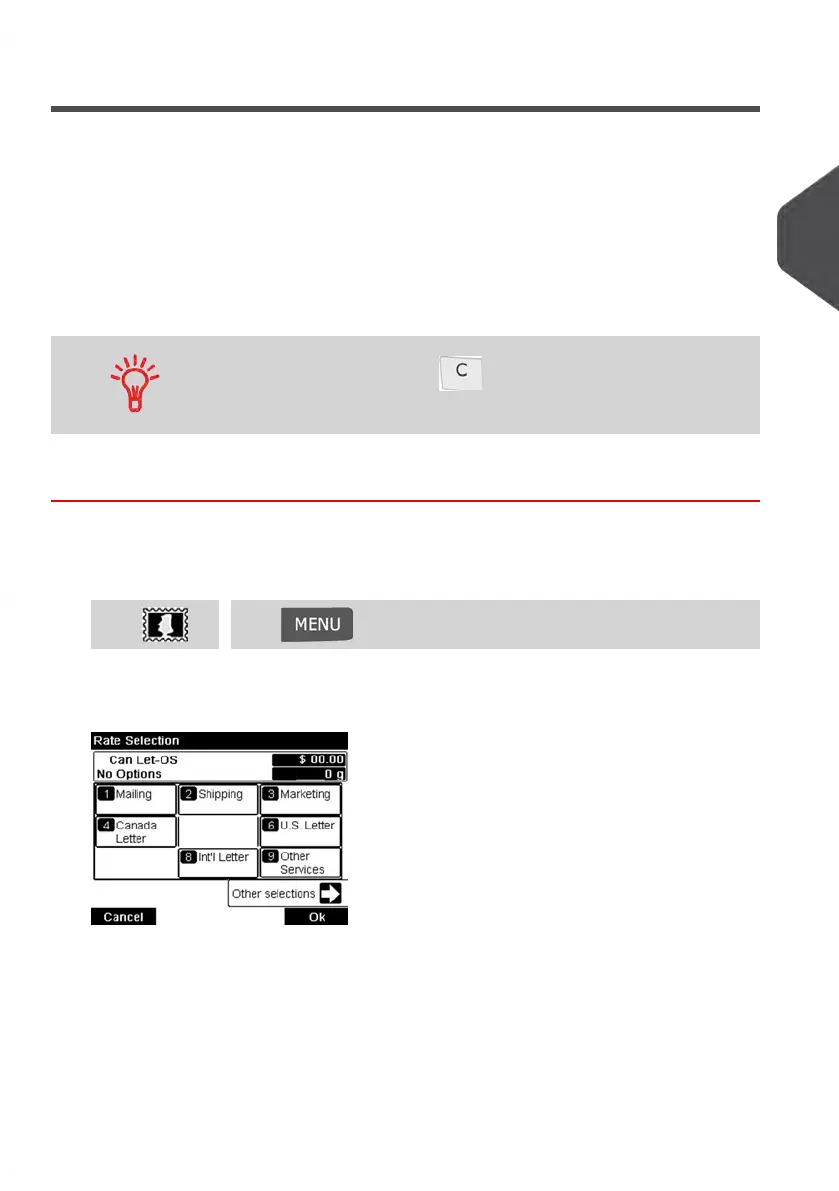
The system provides you several ways to select a postage rate:
• Using a shortcut key in the rate selection screen.
• Using the rate wizard that asks you to choose all the rate parameters (class,
destination, format, services...) in complete lists of options.
• Using a list of the last 10 selected postage rates from the postage rate history
On the home screen, press to select the default postage rate
and refresh weight.
How to Select a Postage Rate
To select a postage rate:
1. Either:
Press and select the path: Rate selectionPress or
The Rate Selection screen is displayed.
3
Processing Mail
69
| Page 69 | Jan-13-2017 10:45 |















 To Next Page