How to Move the Meter Impression (Print Offset)
To offset your Meter Impression:
1. As a user:
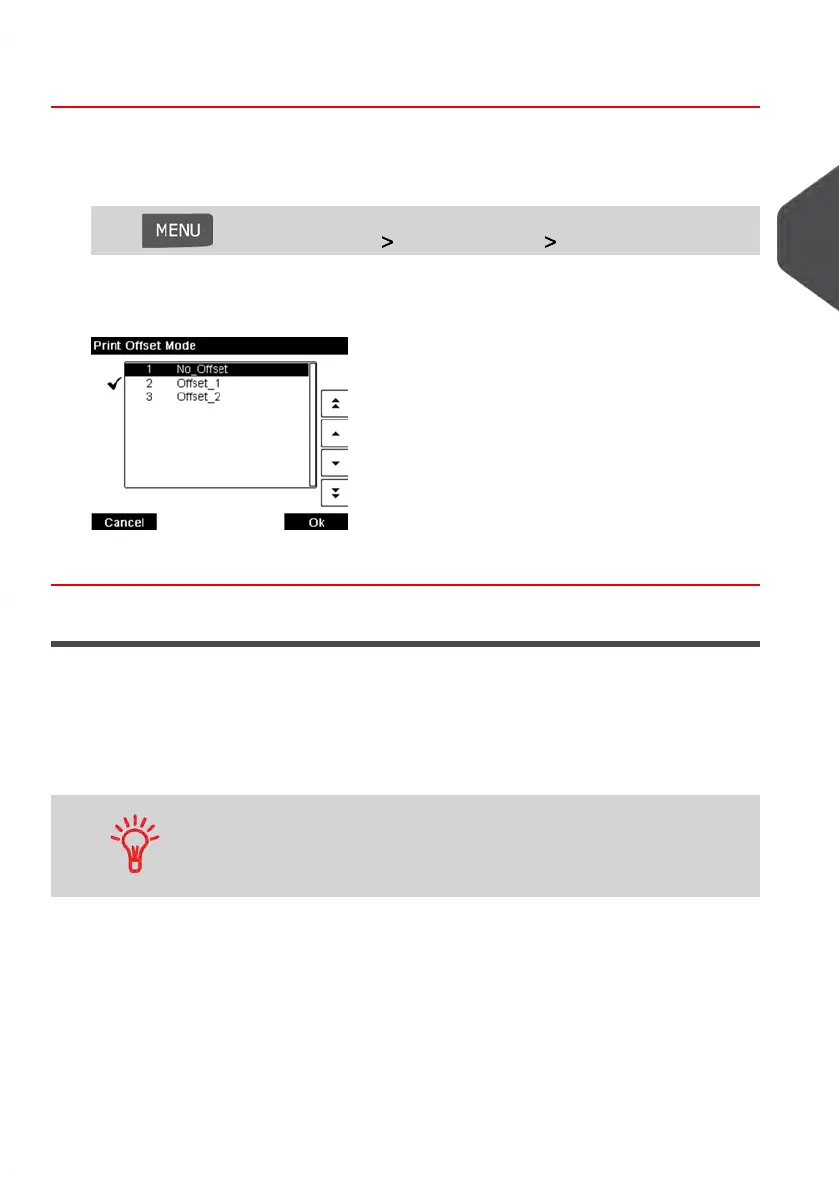
Press and select the path: System Settings Print offset
The Print Offset Mode screen is displayed.
2. Select the offset and press [OK] to validate.
Using Impression Memories
Impression memories allow you to create a preset Meter Impression that can include the
Postage Rate, a Slogan or a Permit allowing you to recall common jobs from the memory
of your Mailing System.
In Account-activated configurations, impression memories allow you to assign your postage
costs to pre-selected Accounts.
If your mail requires different settings, then the impression memories
are the solution: all your settings are stored in a single memory.
Just press the impression memory key instead of multiple
keystrokes to select all the required elements.
See also
• To prepare impression memories as supervisor, see Impression Memories on
page 178.
3
Processing Mail
79
| Page 79 | Jan-13-2017 10:45 |















 To Next Page