Piece Counting
How to Count Mail pieces by Weighing
This function uses the Weighing Platform to count a stack of identical mail pieces.
To count mail pieces by weighing:
1. As a user:
Press and the path: Piece Counting
2. Press [OK].
3. Place 10 items on the Weigh Platform and press [OK].
4. Put the complete stack of items on the Weigh Platform and press [OK].
5. The total number of items is displayed.
You must first weigh 10 (ten) items in order to get the count of the
total number of items.
Filling the Label Dispenser
How to Fill the Automatic Label Dispenser
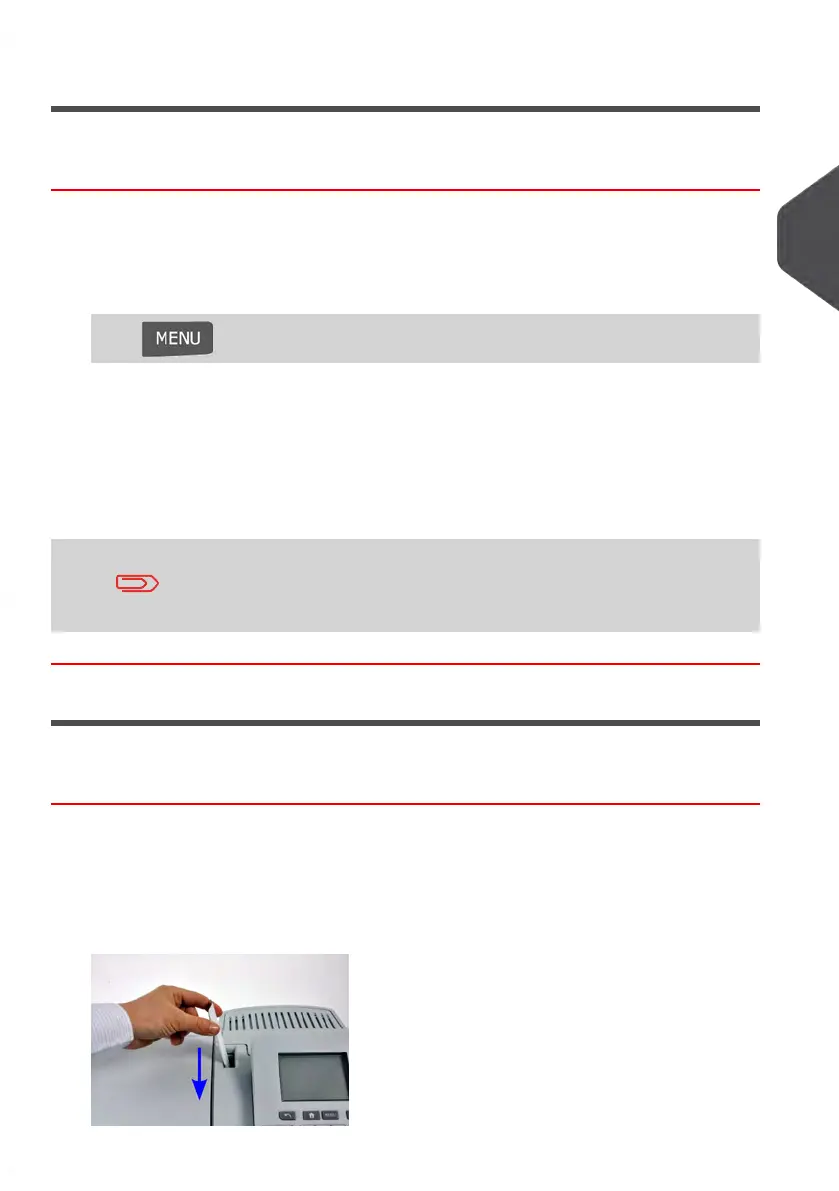
To fill the Label Dispenser:
1. Stack the labels and insert them in the dispenser, the printing side should face to the
right with the peel-off tab on the top.
2. Push the block of labels down until you feel the label “click” into position.
3
Processing Mail
83
| Page 83 | Jan-13-2017 10:45 |















 To Next Page