How to Activate Sleep Mode
1.
Press (at the top right corner of the control panel).
The light located next to the key indicates:
Green: the Mailing System is awake and ready for use.
Amber: the Mailing System is in 'Sleep' mode.
To avoid weighing errors, make sure the weighing device platform
is clear when starting the system.
OFF Mode
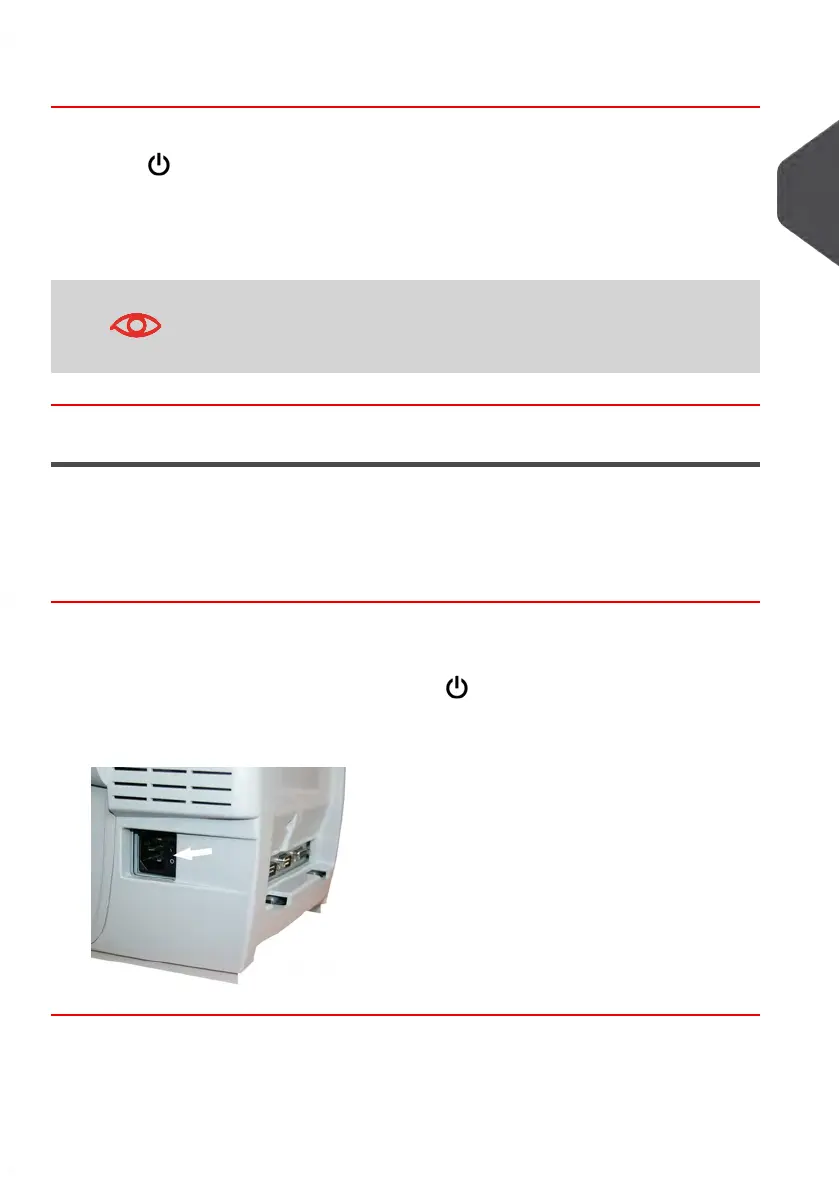
To turn OFF your system, you can use the ON/OFF button located on the right side of the
power cord.
How to Turn Your Mailing System OFF
1. Activate Sleep Mode (see How to Activate Sleep Mode on page 21)
2.
Be sure that the light located next to the key (at the top right corner of the control
panel) is Amber meaning that the Mailing System is in 'Sleep' mode.
3. Turn Off your Mailing System.The circle (or O) indicates the system is OFF.
2
Meet Your Mailing System
21
| Page 21 | Jan-13-2017 10:45 |















 To Next Page