Operator List Report
This report displays the operator list with PIN codes.
Requirements
• To generate this report, you have to be logged in as a supervisor (not as a user).
Content
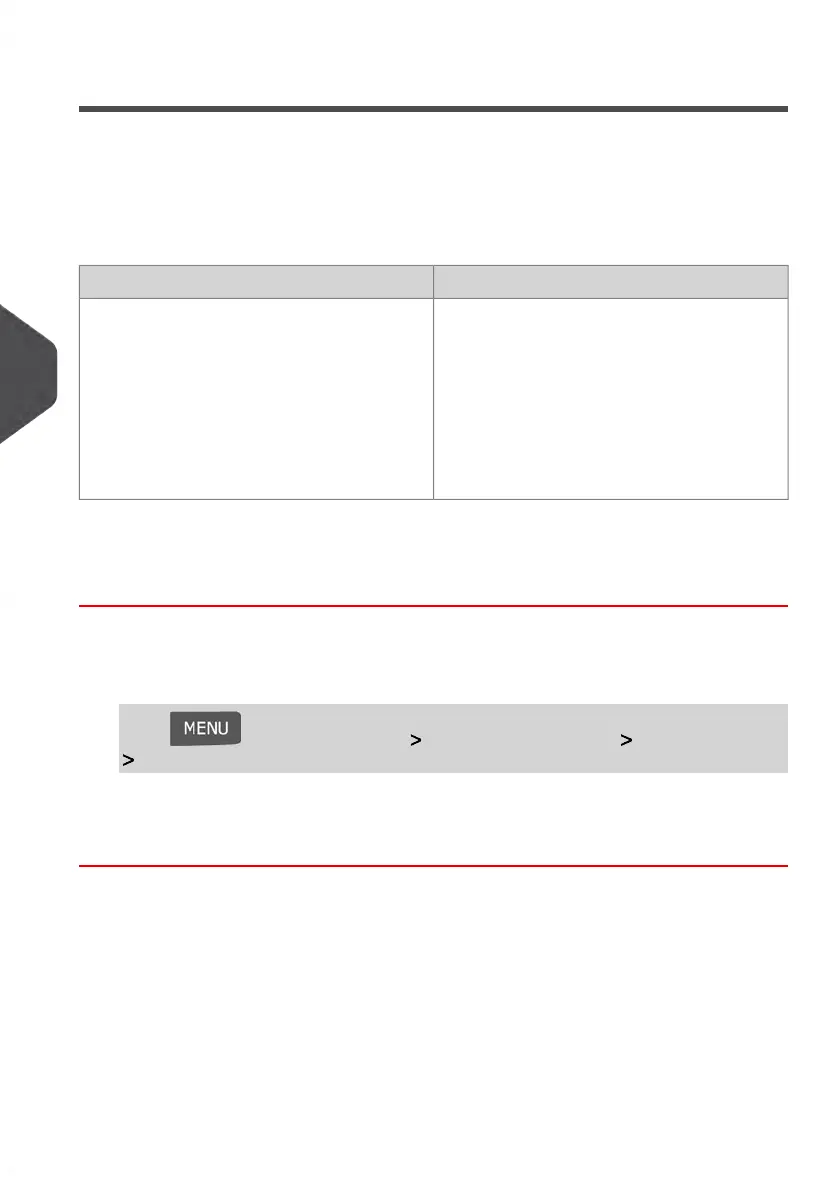
CommentsData
There is no time period to enter.For each Operator:
• Operator name
• PIN code
• Status (Activated/Deactivated)
• Active account assigned status: if
there is at least one active account
assigned to the operator, the value is
'Yes', otherwise the value is 'No'.
How to Generate the Operator List Report
To generate the operator list report:
1. As supervisor (see How to Log in as Supervisor on page 154):
Press and select the path: Account management Manage operator
Operator report
2. Select the Output and then press [OK].
136
| Page 136 | Jan-13-2017 10:45 |
6
Reports















 To Next Page