Logging in / out as the Super-
visor
8.2
Log in as supervisor
You need to be logged in as supervisor to:
• Configure the Mailing System
• Change your Default Settings
• Managing Accounts and Assign Access Rights
• Generating certain reports.
When you are logged in as supervisor, only the supervisor menu
is available. Printing postage is not possible while logged-in as
supervisor.
How to Log in as Supervisor
To log in as Supervisor when you are already logged in as a user:
1. As a user:
Press and select the path: Supervisor
The Login screen is displayed.
2. Type the supervisor PIN code and press [OK].
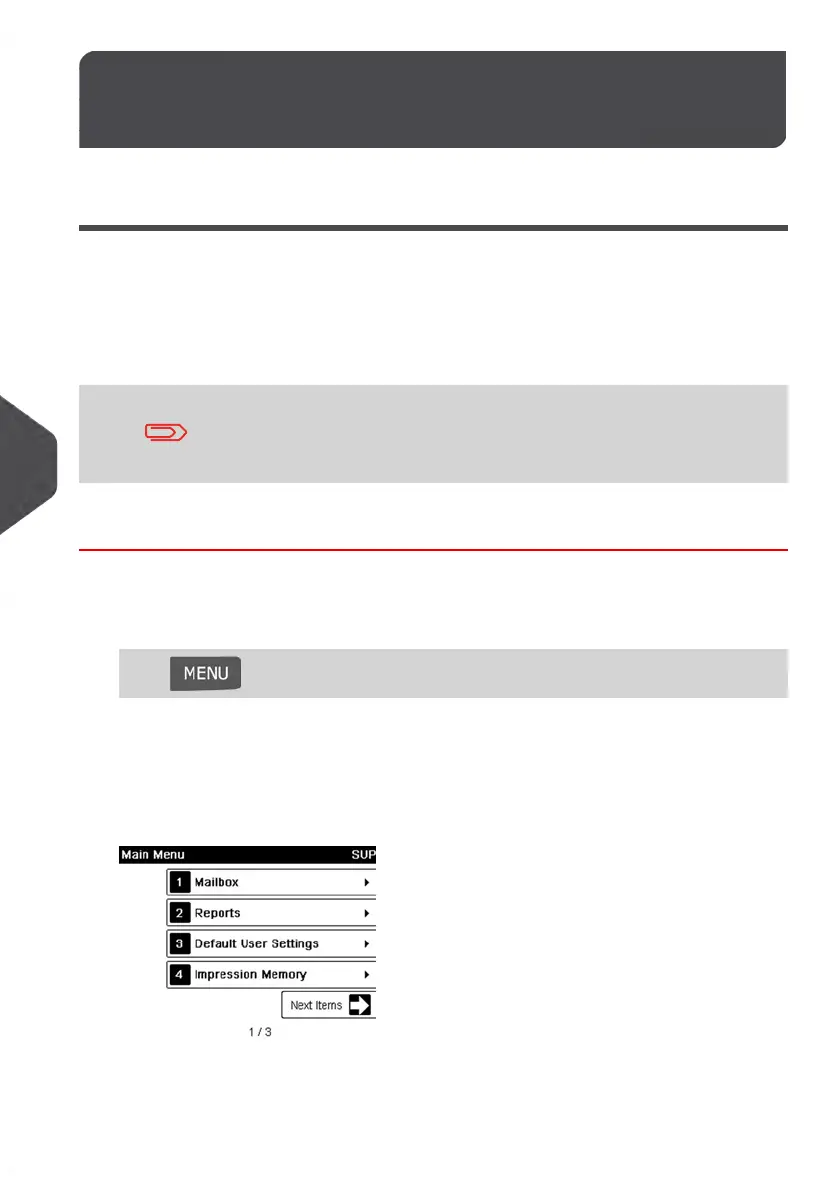
The supervisor Main menu is displayed.
154
| Page 154 | Jan-13-2017 10:45 |
8
Configuring your Mailing System















 To Next Page