Setting Default Time-Outs
How to Change System Time-Outs
To change the system time-outs:
1. As supervisor (see How to Log in as Supervisor on page 154)
Press and select the path: Default user settings Time-out settings
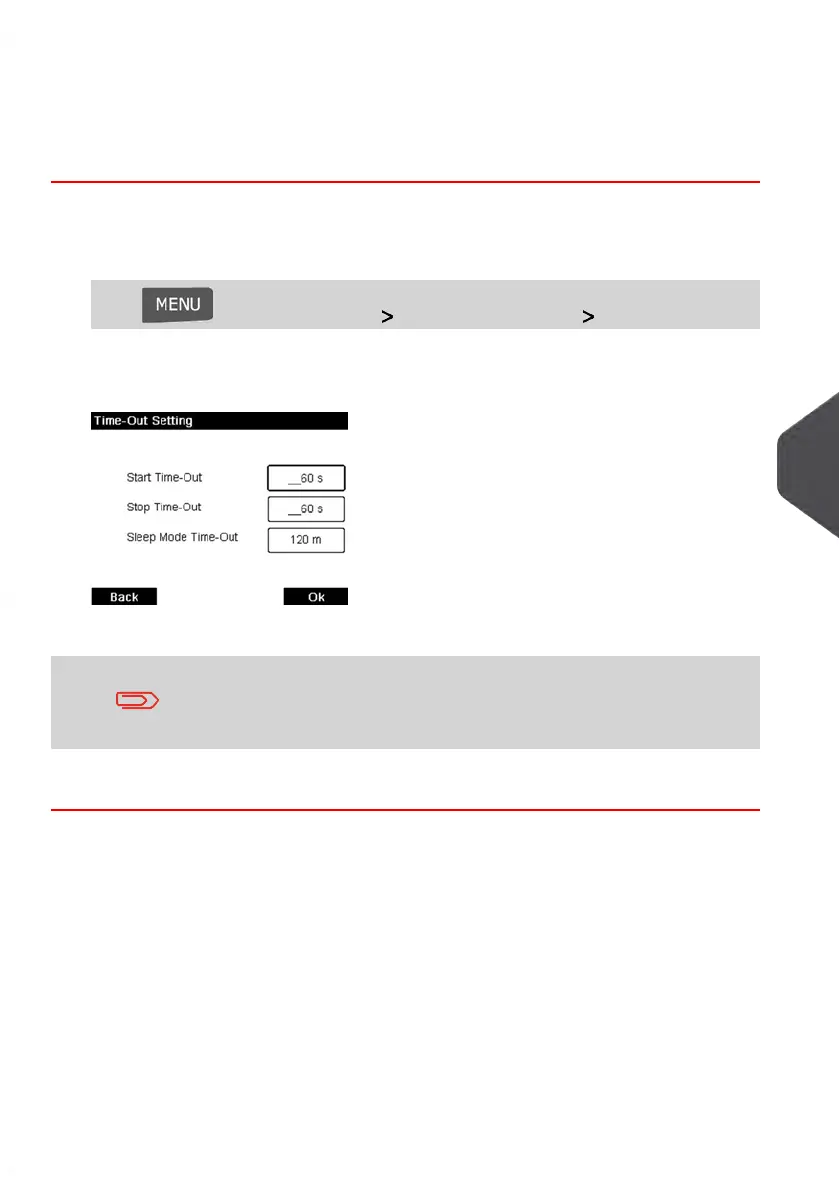
The Timeout setting screen is displayed.
2. Select each field and specify the length of each the time-out.
Use the [C] key to clear old settings then enter a new value.
3. Press [OK] to validate.
8
Configuring your Mailing System
163
| Page 163 | Jan-13-2017 10:45 |















 To Next Page