4. On the Add account screen, press [OK].
The Account creation summary screen is displayed.
5. Press [OK] to confirm the creation of the account.
You can also import a list of Accounts. See Importing/Exporting
Account Lists on page 111.
Editing Accounts
Follow the instructions below to modify an Account Name or Account Status.
The account number cannot be edited once it is created.
How to View / Edit Account Information
To view or edit an account:
1. As supervisor (see How to Log in as Supervisor on page 154):
Press and select the path: Account management Manage accounts
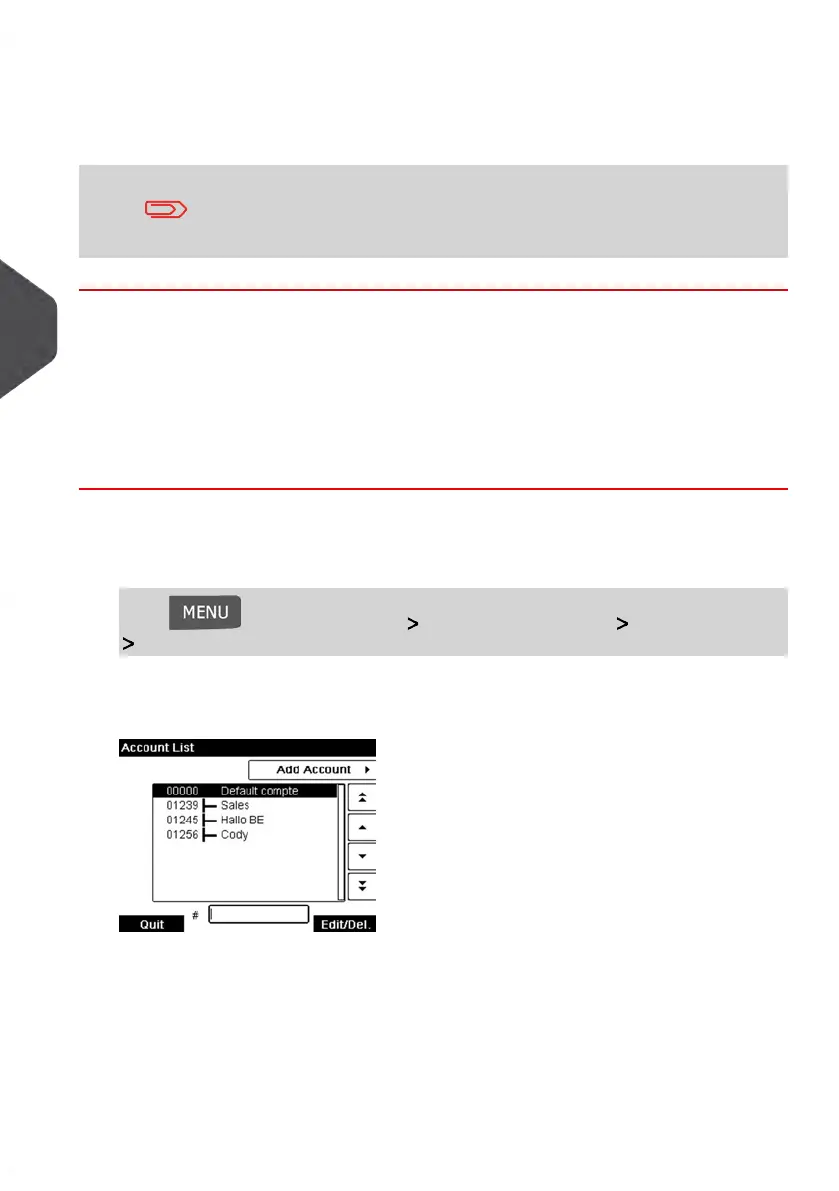
Account list
The Account list screen is displayed.
2. Select the account (or type the account number) and press [OK].
108
| Page 108 | Jan-13-2017 10:45 |
5
Managing Accounts and Assigning Rights















 To Next Page