Printing a Manifest [Statement
of Mailing]
3.7
In Printing a Manifest [Statement of Mailing] Section
This section describes the system settings to be selected and the mail preparation steps
to be completed in order to print a Manifest [Statement of Mailing].
See also
• How to Change a Meter Impression on page 33.
Setting a Manifest
Make sure you have completed the preparation steps mentioned
in Preparing and Starting your Job Run on page 29.
How to Set a Manifest [Statement of Mailing]
Required settings:
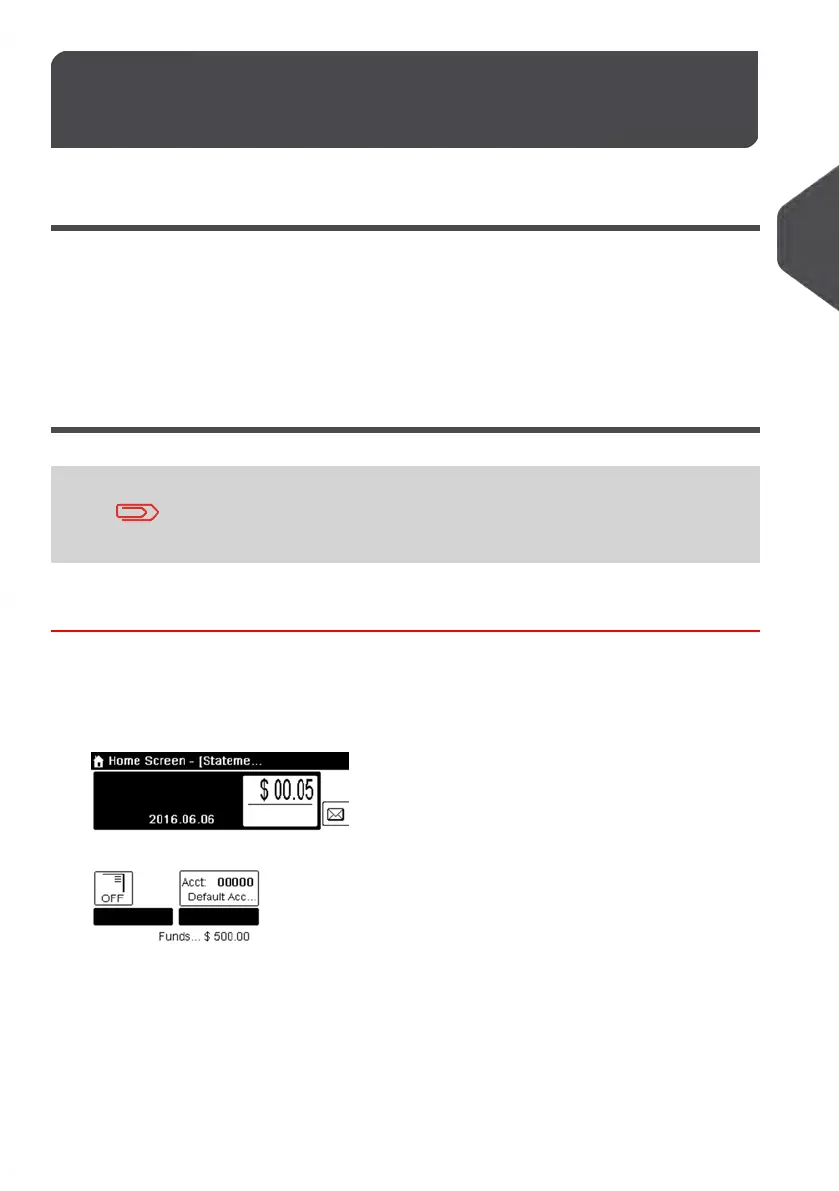
1. Make sure you are on the home screen of the [Statement of mailing] type of
impression as illustrated below.
59
| Page 59 | | Jan-13-2017 10:45 |
3
Processing Mail















 To Next Page