How to Add or Remove a Slogan
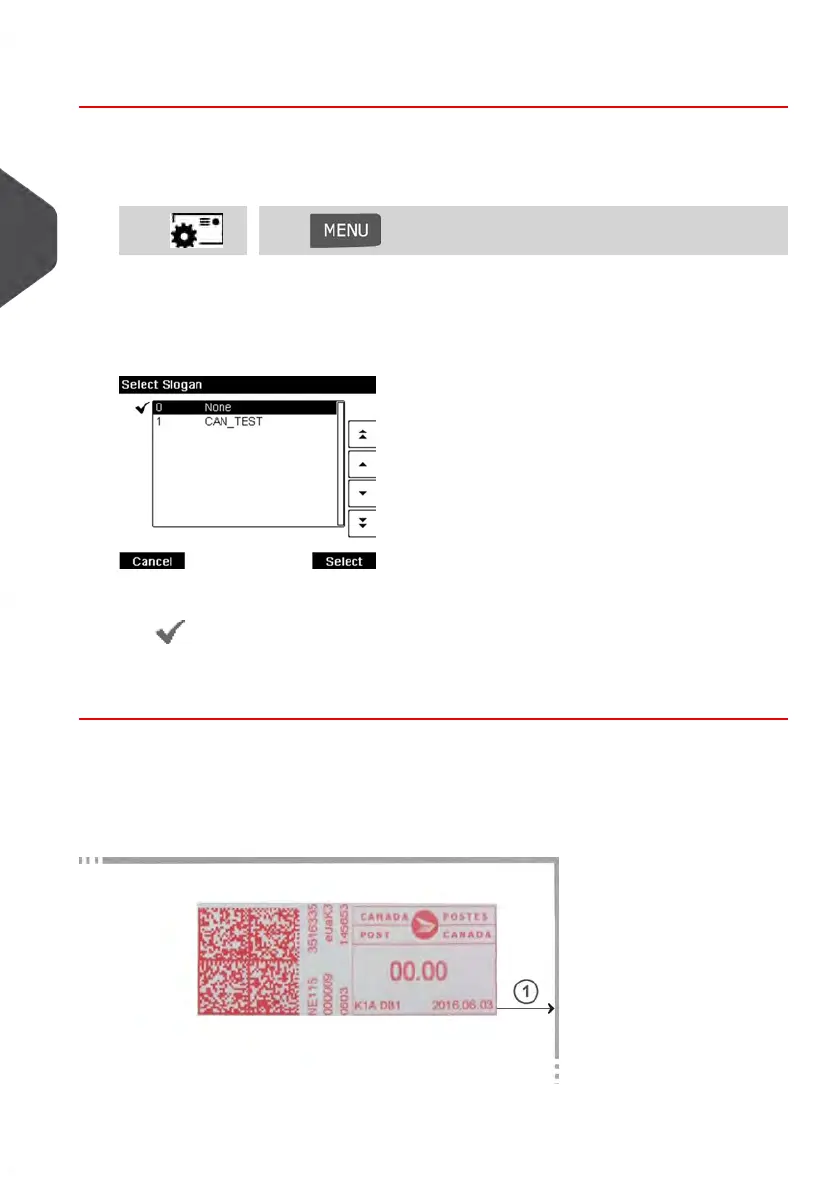
To add or remove a slogan from your Meter Impression:
1. Either:
Press and select the path: Build ImpressionPress or
2. Select Imprint left or Imprint right option on the Build Impression screen.
The Select Slogan screen is displayed.
3. Select the slogan in the list or select None for printing no slogan.
The icon indicates the current selection.
See also
• Managing Slogans on page 192.
Moving the Meter Impression (Print Offset)
You can move the impression away from the edge of the envelope when printing on thick
envelopes with rounded edges.
1 - Impression printing offset
78
| Page 78 | Jan-13-2017 10:45 |
3
Processing Mail















 To Next Page