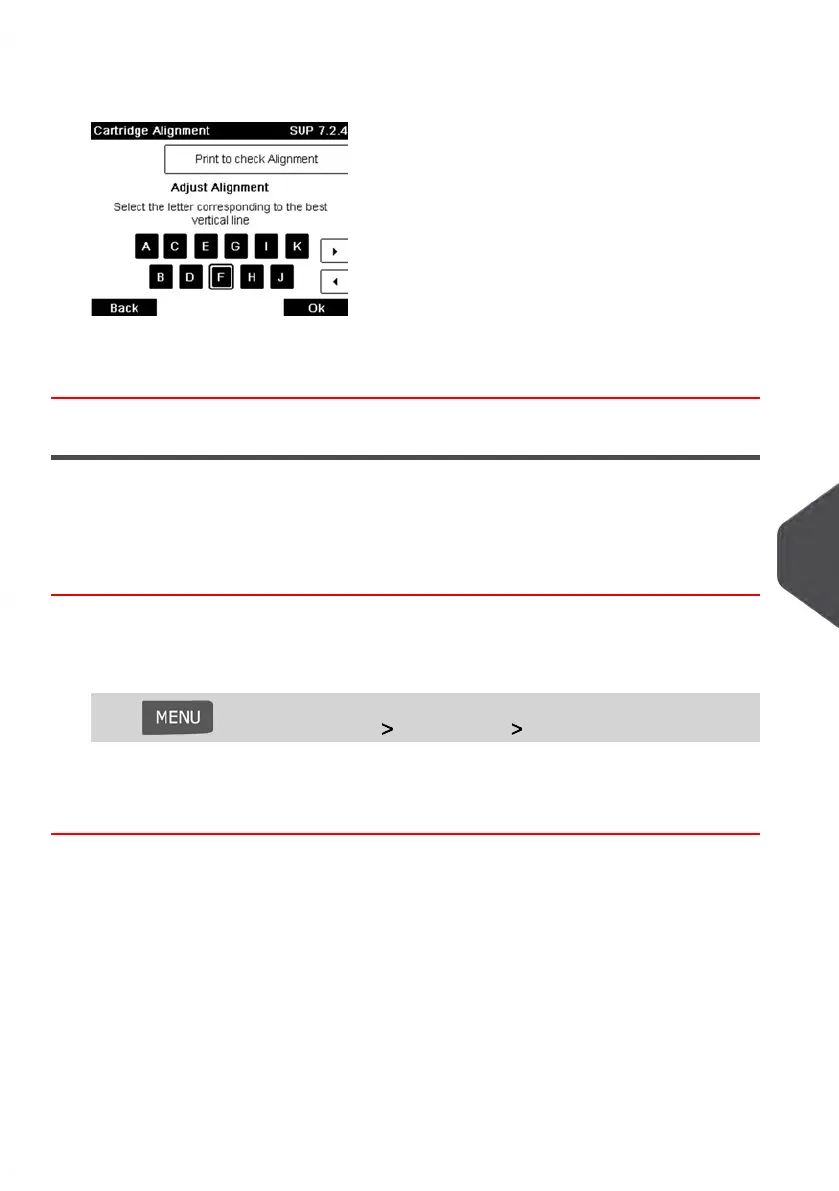
3. Check the printed pattern and press the letter that corresponds to the straightest and
complete vertical line.
4. Press [OK] to validate.
5. Repeat the previous step until lines F are aligned.
Cleaning the Print Heads
If your Meter Impressions do not look sharp and clear, clean the Print head to restore your
print quality.
How to Clean the Print Heads Automatically (as a User)
To clean the print heads automatically:
1. As a user:
Press and select the path: Ink Cartridge Cleaning Process
The cleaning starts automatically.
10
Maintaining your Mailing System
205
| Page 205 | Jan-13-2017 10:45 |















 To Next Page