Using Batch Counters
Batch counters allow you to track and report pieces (items) and postage (value) since the
last counter reset.
To produce reports associated to counters, see Reports on page
119.
How to Reset Batch Counters
To reset a Counter:
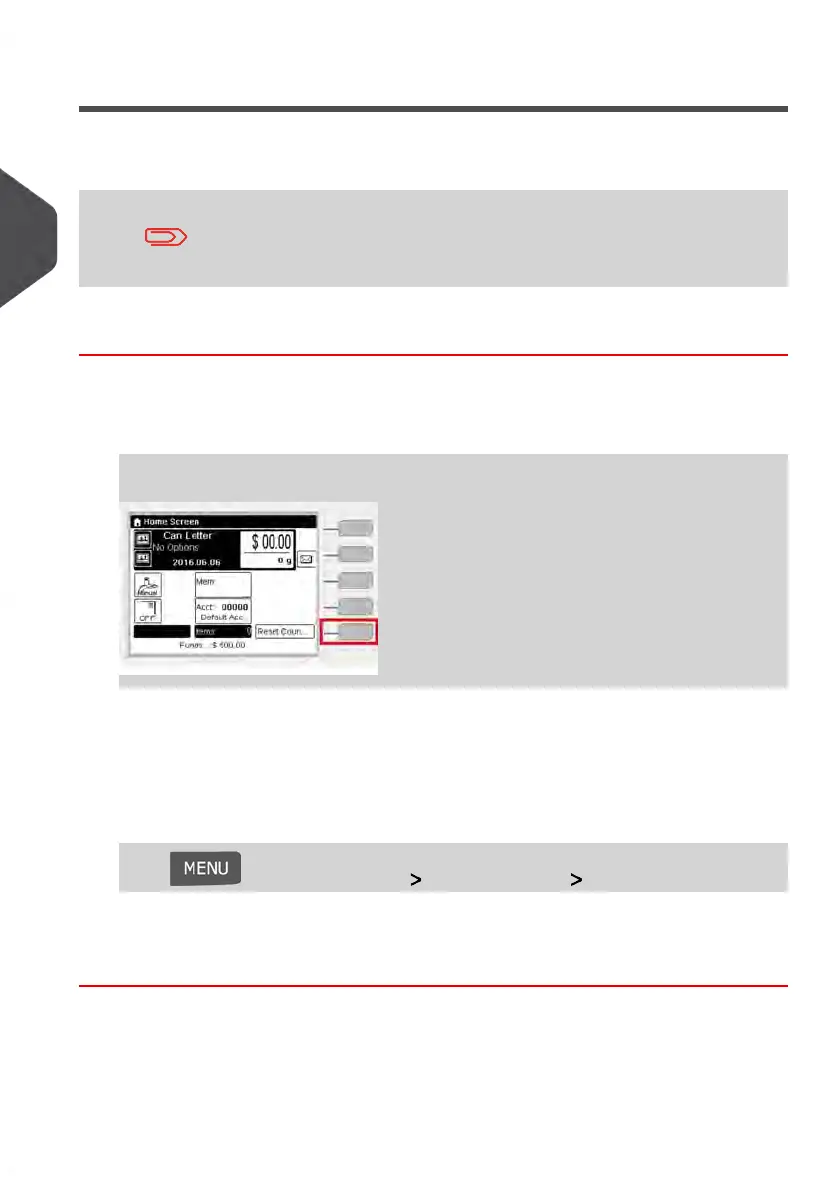
1. On the Homescreen display:
Press the Reset counter button
The counter is reset.
or
1. As a user:
Press and select the path: System settings Start batch counter
2. Select the counter you wish to reset and press [OK].
82
| Page 82 | Jan-13-2017 10:45 |
3
Processing Mail















 To Next Page