How to Modify an Existing Operator
To modify an existing Operator:
1. As supervisor (see How to Log in as Supervisor on page 154):
Press and select the path: Account management Manage operators
The Manage Operator Wizard window opens.
2. Select Operator List.
3. Select the operator and select Edit / Del..
4. Select Edit / Modify.
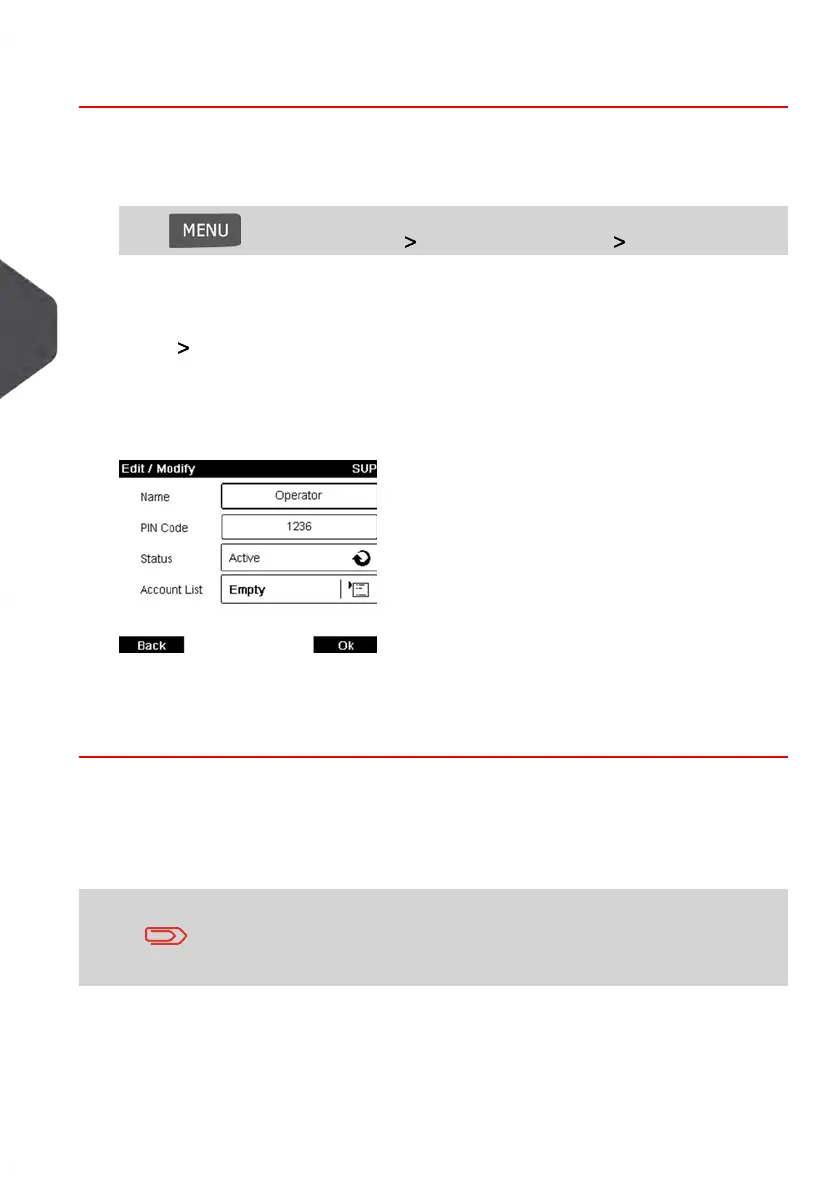
The Edit / Modify screen is displayed.
5. Change the operator options as needed and press [OK] to display the Operator
modification summary screen (Use key [C] to clear characters).
6. Press [OK] to accept your changes.
Assigning Accounts to Operators
You can define the Accounts Access to each operator, by assigning accounts to each
operator.
On user screens, only accounts are displayed.
116
| Page 116 | Jan-13-2017 10:45 |
5
Managing Accounts and Assigning Rights















 To Next Page