How to Adjust the Time-outs
To adjust the time-outs:
1. As a user:
Press and select the path: System Settings Time-out Settings
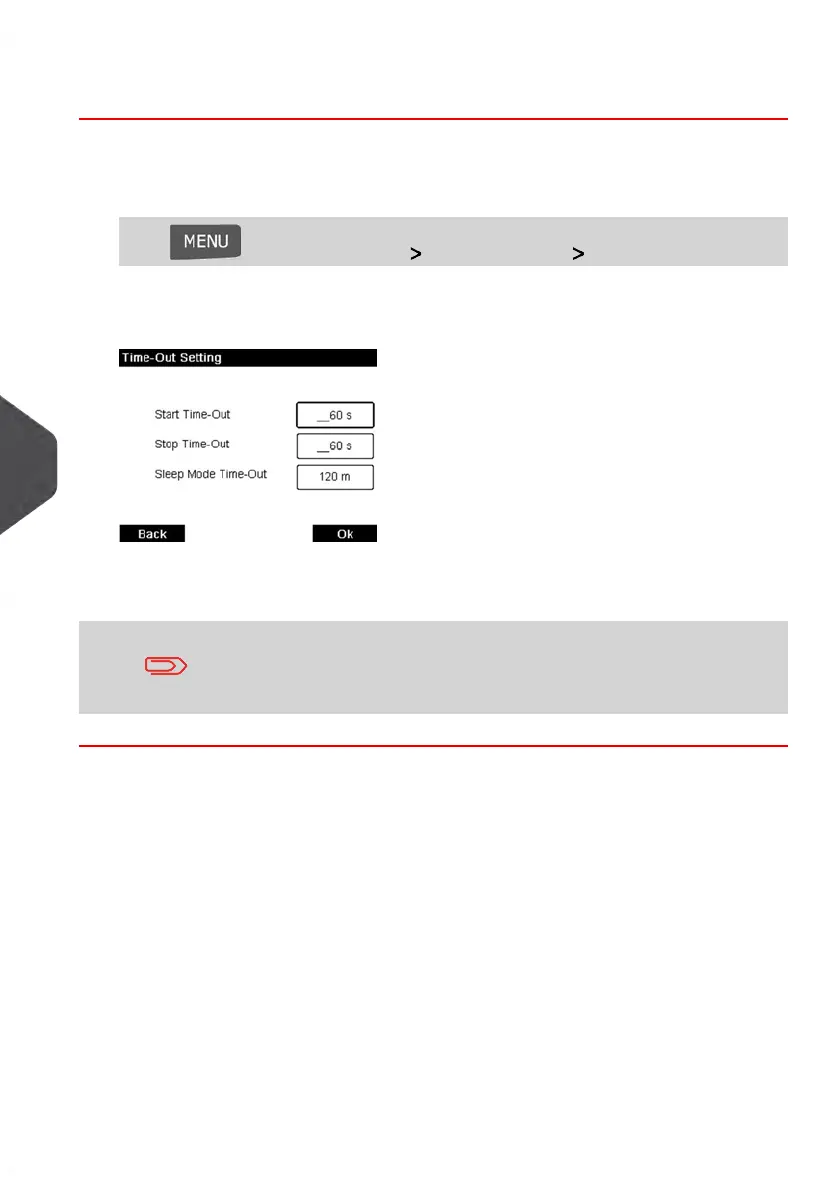
The Time-out setting screen is displayed.
2. Select each field and specify the length of each the time-out (Use [C] to clear digits).
3. Press [OK] to exit.
This is a User Setting that will only be active as long as you are
logged in as a User. Once you log out, the Default Time-Out
Settings will be re-activated..
162
| Page 162 | Jan-13-2017 10:45 |
8
Configuring your Mailing System















 To Next Page