How to Set [Seal Only] Mail
Main setting:
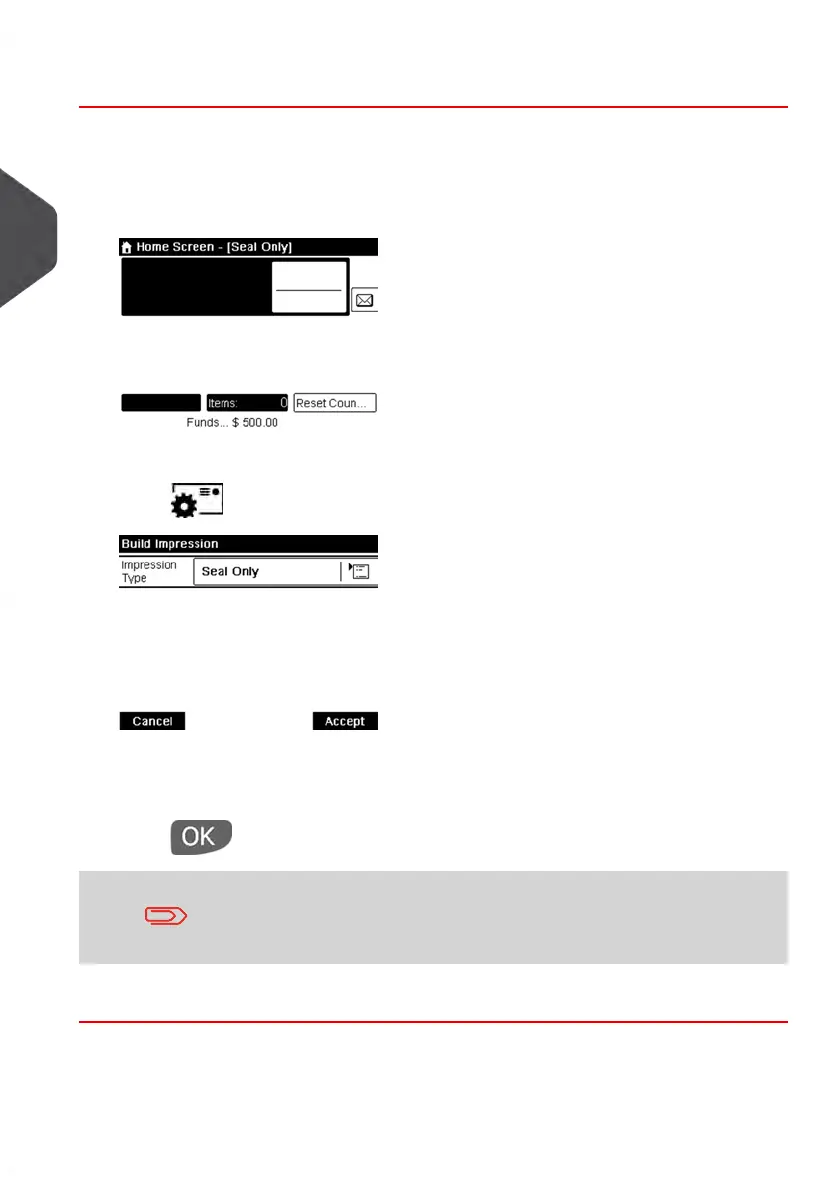
1. Make sure you are on the home screen of the [Seal Only] type of impression.
The type of impression is indicated at the top of the home screen as illustrated.
2. Check or change the type of impression, if you are not in [Seal Only] mode.
Press to access the Build Impression screen:
To change the type of impression, select Impression type and then select [Seal
Only] in the Type of impression screen. For more details, see How to Change a Meter
Impression on page 33.
3.
Press to return to the home screen.
If you want to seal envelopes without printing you must turn
the sealer lever on: see Using the Sealing Function on page 80
You are now ready to process mail.
66
| Page 66 | Jan-13-2017 10:45 |
3
Processing Mail















 To Next Page