Setting up 'No Accounts, with Access Control'
If you want to prevent unauthorized use of the Mailing System and do not want to use
accounts, use the “No Accounts, with Access Control” mode. This Mode requires all users
to log into the system by entering a 4 digit security PIN Code at start up.This provides a
single PIN code for all authorized users.
Activating 'No Accounts, with Access Control'
1. To activate/ deactivate 'No Accounts, with Access Control', please see How to Display
and Change the 'Account Mode' on page 98 and select the 'No Accounts, with Access
Control' Mode.
2. Enter the 4 digit shared PIN code the users will enter at log in.
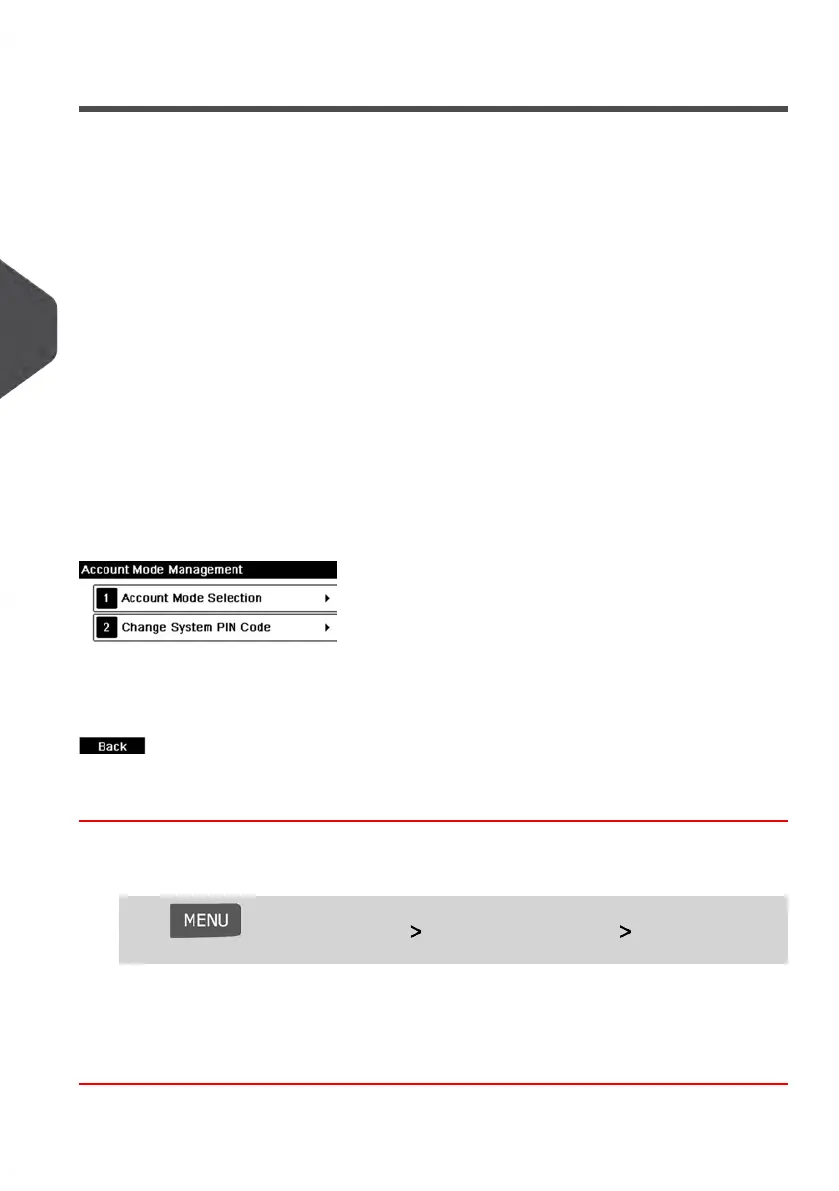
'No Accounts, with Access Control' Management Menu
In 'No Accounts, with Access Control' mode, the menu allows you to change the shared
PIN code.
How to Change a Shared PIN Code
1. As the supervisor (see How to Log in as Supervisor on page 154):
Press and select the path: Account Management Change System
PIN code
The PIN code screen is displayed.
2. Enter the new PIN code and press [OK].
100
| Page 100 | Jan-13-2017 10:45 |
5
Managing Accounts and Assigning Rights















 To Next Page