Operator Management
Follow the steps outlined below to create, modify, activate/deactivate or delete operators.
See also
• Operator Options on page 113.
• To print the current list of operators, see Operator List Report on page 136.
Creating Operators
In order to create an operator you must first set up an 'Accounts,
with Access Control' in 'Account Mode Management' Mode.
How to Create an Operator
To create an Operator:
1. As supervisor (see How to Log in as Supervisor on page 154):
Press and select the path: Account management Manage operators
The Manage Operator screen is displayed.
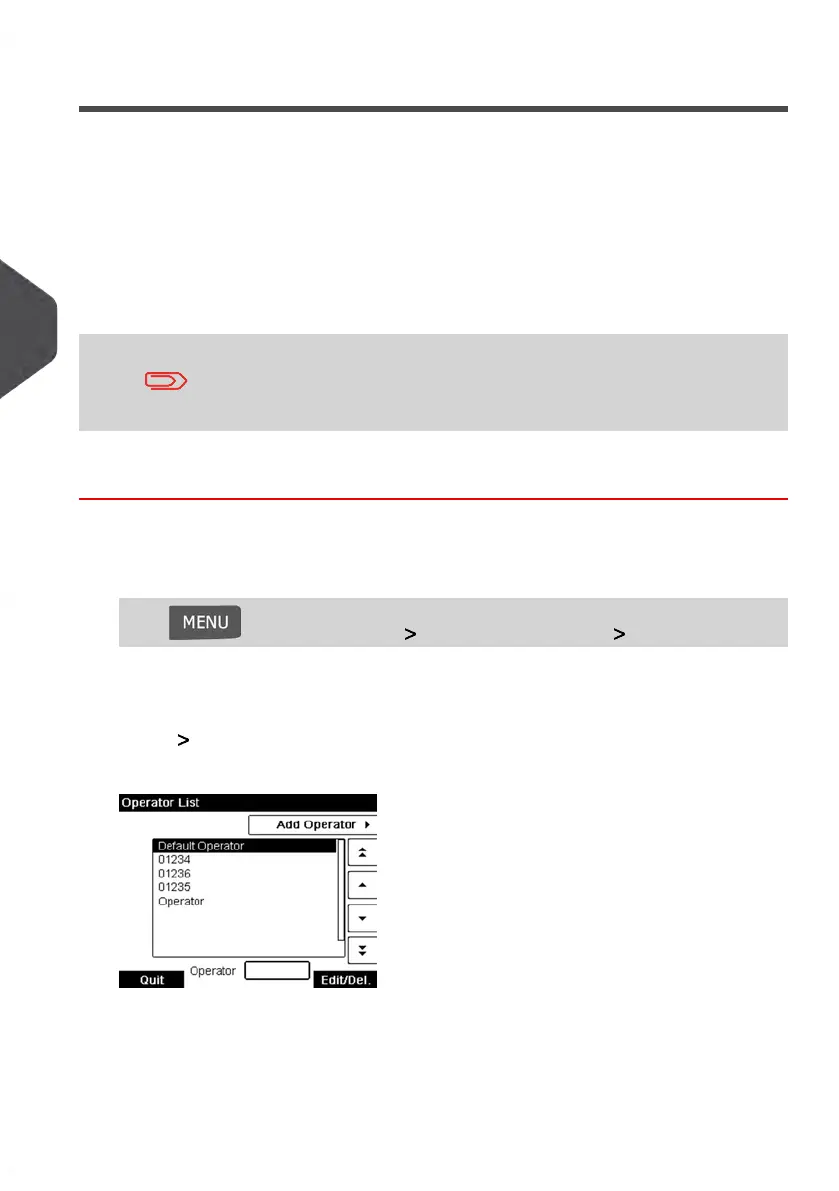
2. Select Operator List.
The Operator list screen is displayed.
114
| Page 114 | Jan-13-2017 10:45 |
5
Managing Accounts and Assigning Rights















 To Next Page