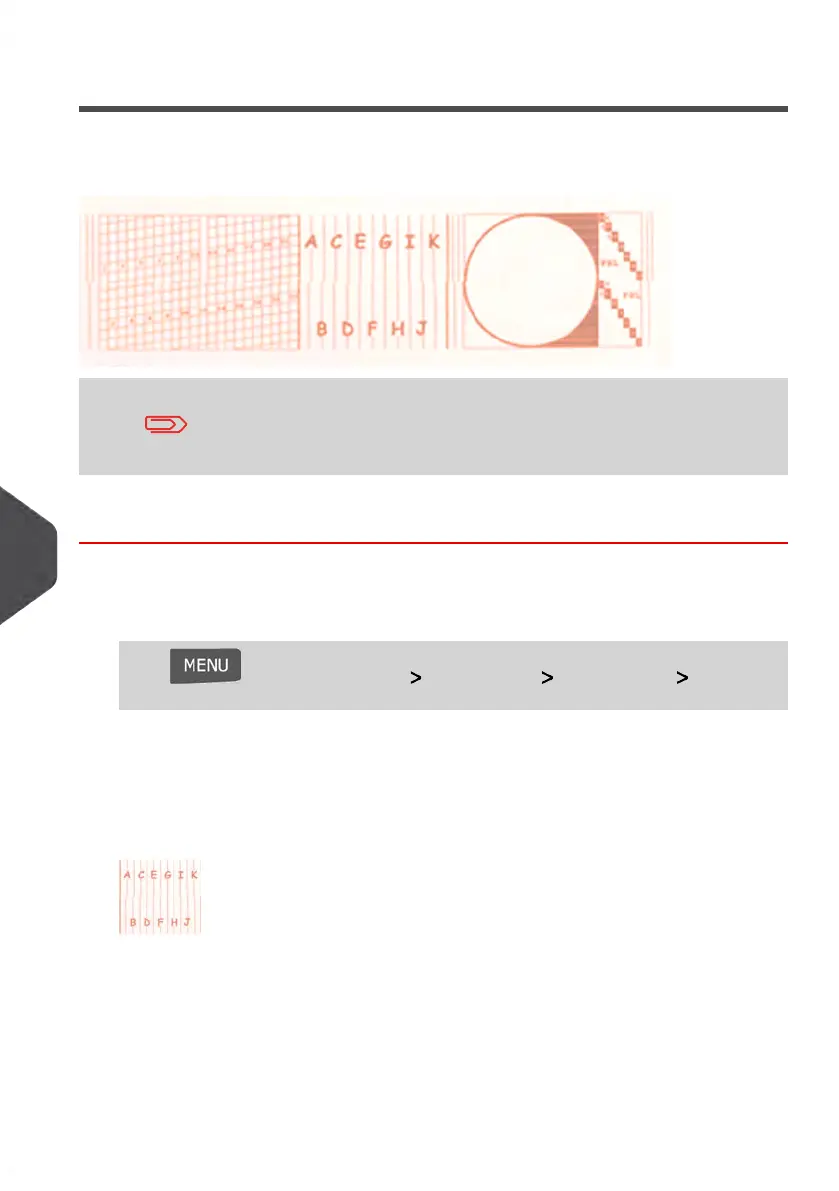
Setting the Headset Alignment
Aligning the print heads is required if there is an offset between the top and the bottom of
the impression.
Your Mailing System requires the heads to be aligned after each
cartridge change.
How to Align the Print Heads
To align the print heads:
1. As supervisor (see How to Log in as Supervisor on page 154):
Press and select the path: Maintenance Ink Cartridge Cartridge
Alignment
The Cartridge Alignment screen is displayed.
2. Press [OK] and put a piece of paper in the mail transport.
The system prints a test pattern.
204
| Page 204 | Jan-13-2017 10:45 |
10
Maintaining your Mailing System















 To Next Page