Processing [Seal Only] Mail
To run mail, follow the procedure below after you have completed the steps in How to Set
[Seal Only] Mail on page 66.
How to Process [Seal Only] Mail
1.
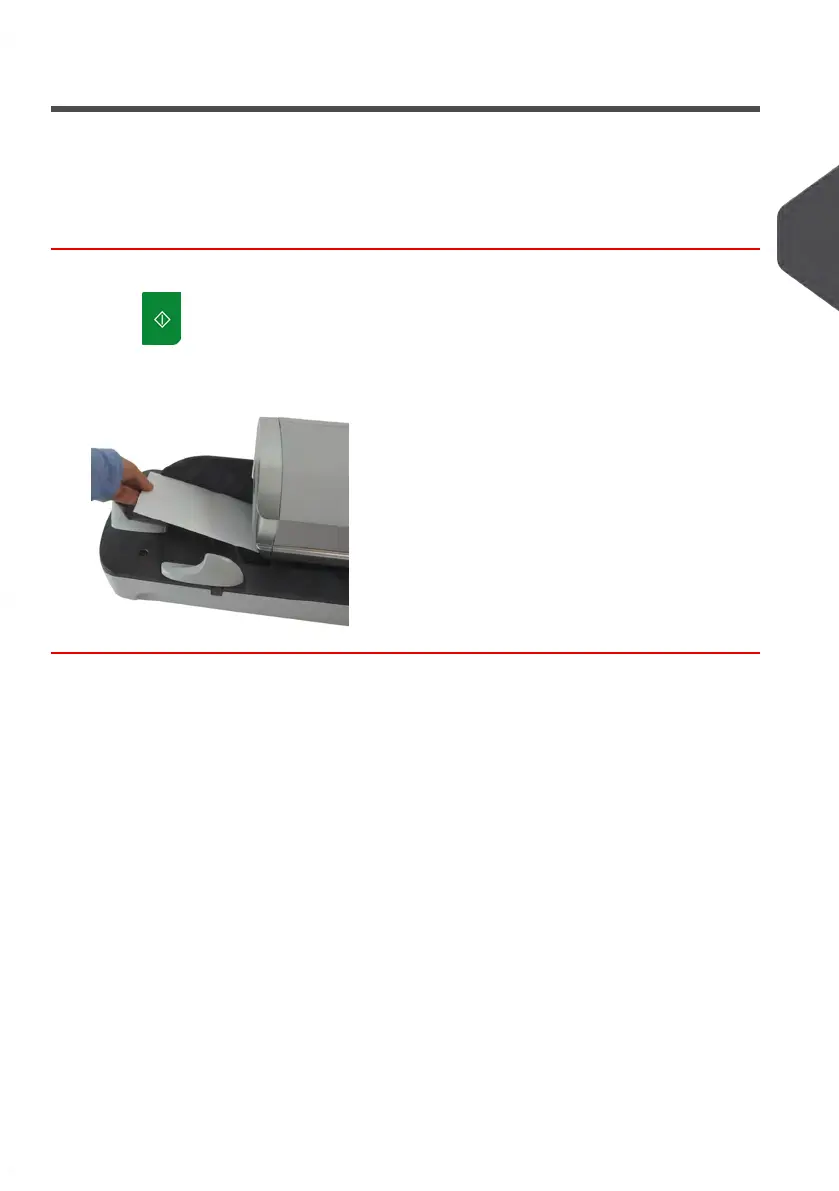
Press . System motors start running.
2. Insert the mail piece(s) into the mail path against the rear-guide wall, facing upwards
(see How to Use the Feeder on page 35).
3
Processing Mail
67
| Page 67 | Jan-13-2017 10:45 |















 To Next Page