Creating Accounts
In order to create an account follow these steps:
How to Create an Account
To create an account activate the mode 'Accounts'. See How to Display and Change
the 'Account Mode' on page 98
1. As supervisor (see How to Log in as Supervisor on page 154):
Press and select the path: Account Management Manage Accounts
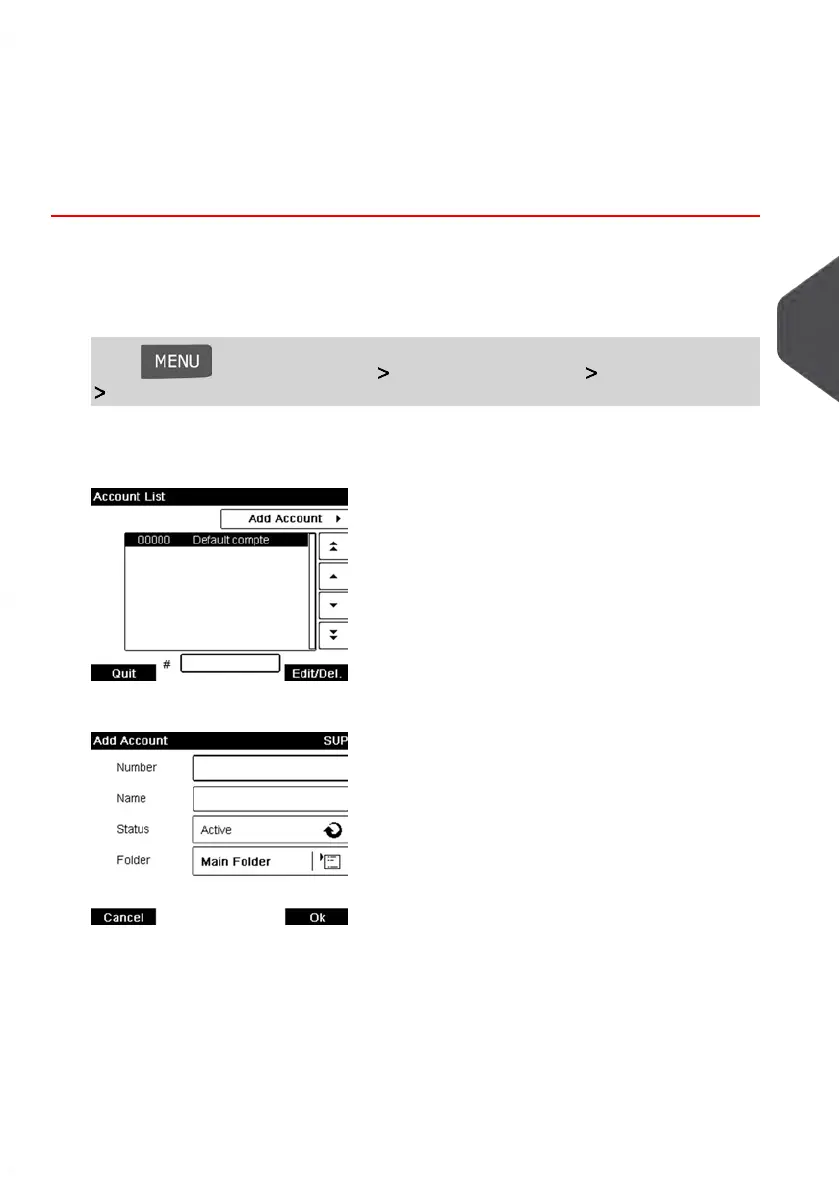
Account List
The Account list screen is displayed.
2. Select Add Account.
3. Enter the account Number and Name using the keypad and press [OK]. Select the
Account Status (the button displays the current status: Active or Inactive).
5
Managing Accounts and Assigning Rights
107
| Page 107 | Jan-13-2017 10:45 |















 To Next Page