Setting up 'Accounts'
In 'Accounts' Mode, users must select an account before they can process their mail. The
user can change accounts at any time during mail processing.
If only one account is available, the Mailing System automatically
selects it at start up.
Activating the 'Accounts' Mode
1. To activate/ deactivate an Account, please see How to Display and Change the
'Account Mode' on page 98 and select the 'Accounts' Mode.
2. Create accounts as indicated in How to Create an Account on page 107.
When you activate the 'Accounts' Mode, the system creates an
account by default.
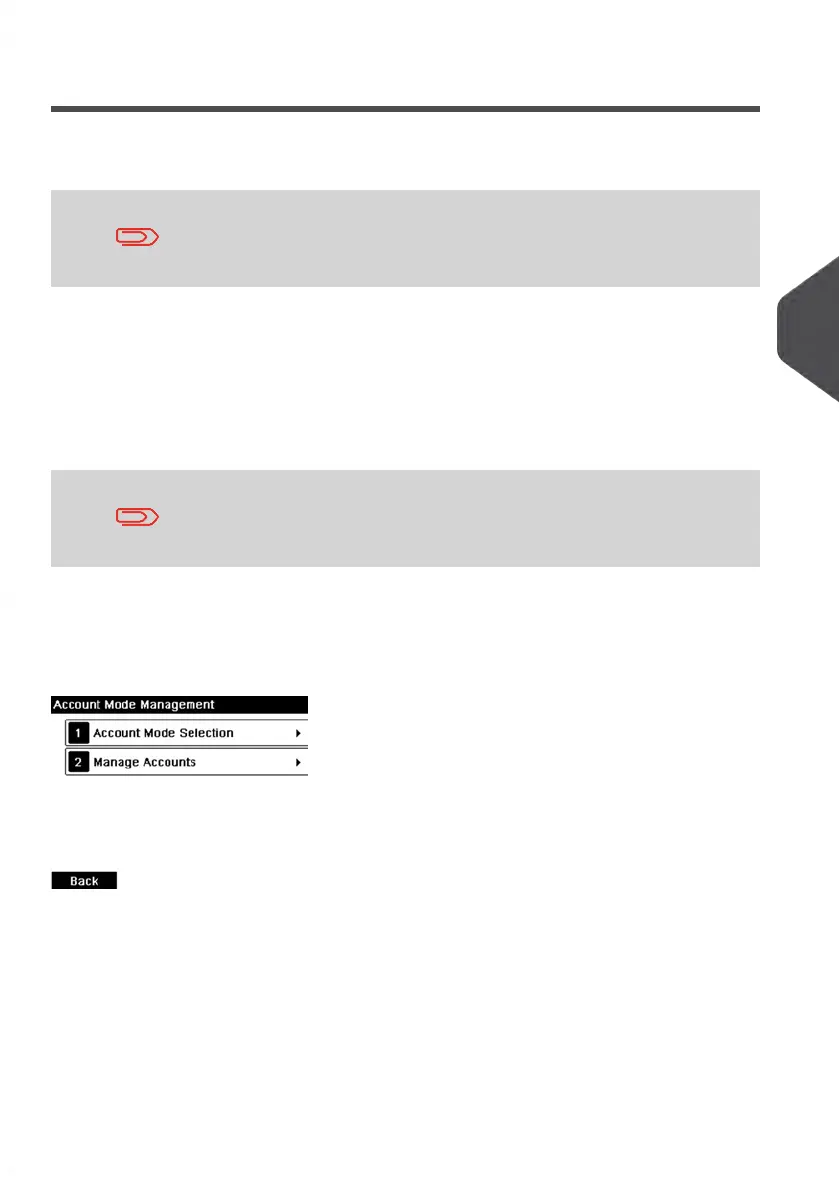
'Accounts' Mode Management Menu
In 'Accounts' Mode, the menu allows you to manage your accounts.
See also
• To add, modify or delete accounts, see Managing Accounts on page 105.
5
Managing Accounts and Assigning Rights
101
| Page 101 | Jan-13-2017 10:45 |















 To Next Page