Keys and Shortcuts
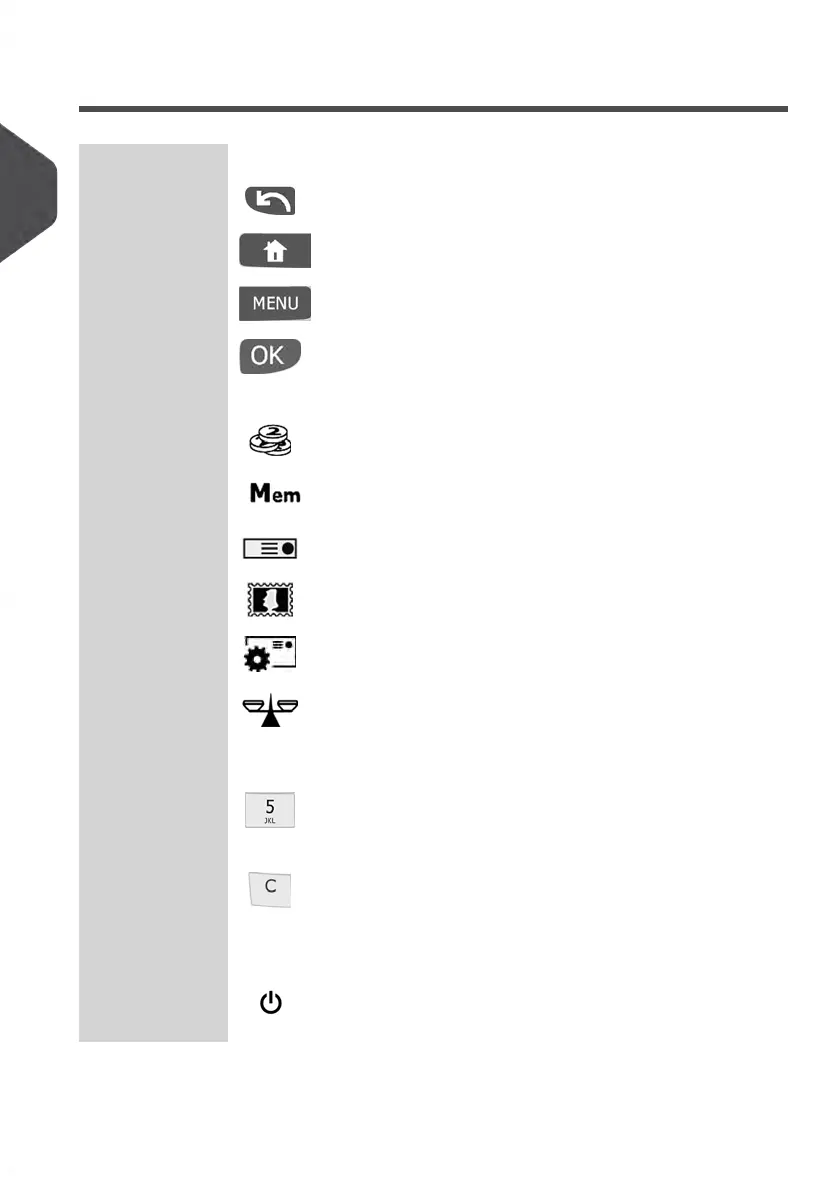
NAVIGATION KEYS
Goes back to the previous screen.Return
Returns the system to the Home screen.Home Screen
Accesses the menu settings.Menu
Validates a selection.OK
SHORTCUT KEYS
Accesses the Postage Funds Management Menus.Postage Funds
Accesses pre-set Meter Impressions and Account Memories.
Impression
Memories
Switches to label printing.Print Labels
Displays the rate selection screen.Rate Selection
Allows you to change the type of meter Impression.
Build Impres-
sion
Opens the weighing mode selection menu (Standard
Weighing, Differential Weighing, Manual weight entry...)
Weighing Mode
KEYPAD
Allows the entry of alpha or numeric values (accounts or
other set up information). Press a key several times to dis-
play other characters.
Alphanumeric
Keys
Clears keypad entries, existing data in entry fields, and re-
sets the Postage Rate to your system’s Default Postage
Rate
Clear / Reset
Rate Key
START / STOP KEYS
Activates/Deactivates Sleep Mode.The colour of light next
to the key indicates the system state (green = awake, amber
= asleep).
Sleep/Wake In-
dicator
16
| Page 16 | Jan-13-2017 10:45 |
2
Meet Your Mailing System















 To Next Page