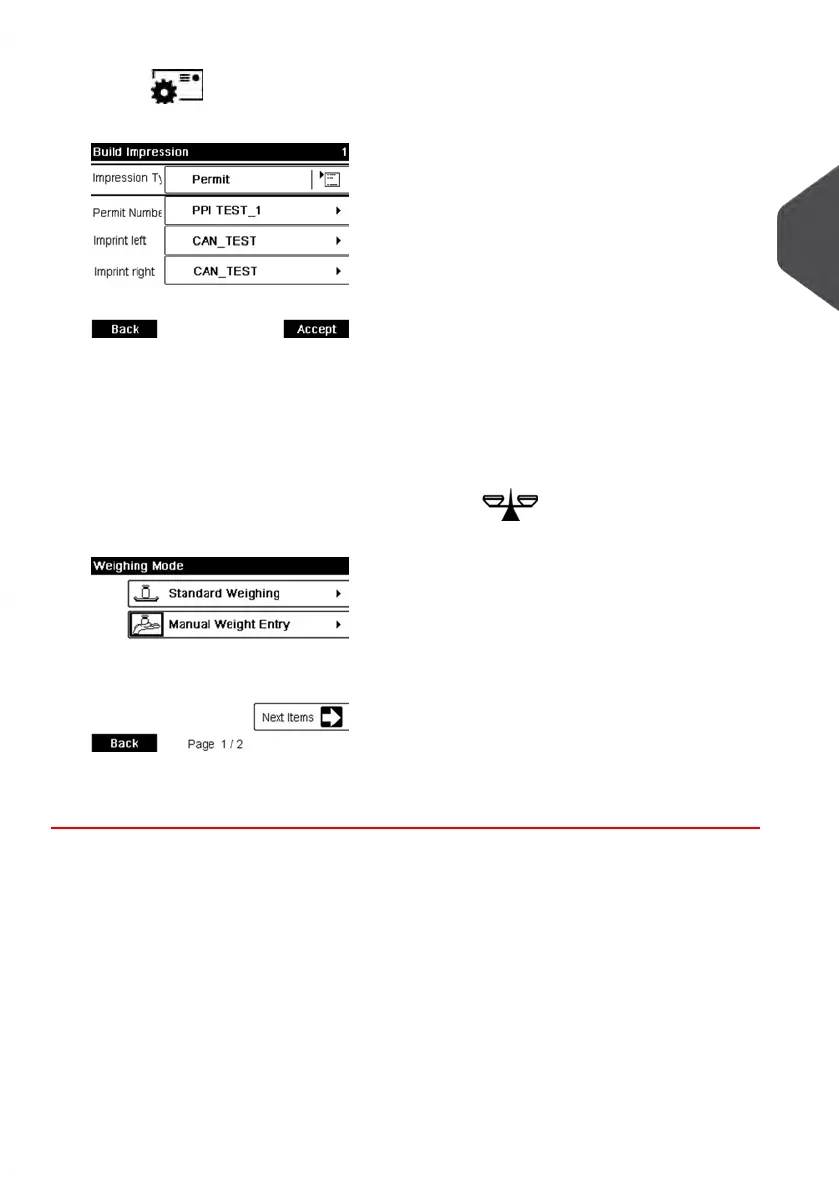
2.
Press to access the Impression Settings Menu and perform the settings
that follow.
3. Select the Permit Mail to use. See Selecting a Permit on page 71.
4. Select a weighing mode.
Depending on the quantity and type of mail you have to process, you can choose an
efficient weighing method that uses the weighing platform to save time: see Choosing
a Weighing Mode on page 72.
To change the current weighing method, press and select a weighing mode
in the Weighing mode screen.
For more details, see How to Change the Weighing Mode on page 74.
3
Processing Mail
47
| Page 47 | Jan-13-2017 10:45 |















 To Next Page