Section 7. Component Procedures Model 8210/8250 Maintenance Manual
Control Handle Head Steering and Controls
7-18 Publication: 1146945/001, Revised: 25 Sep 2018
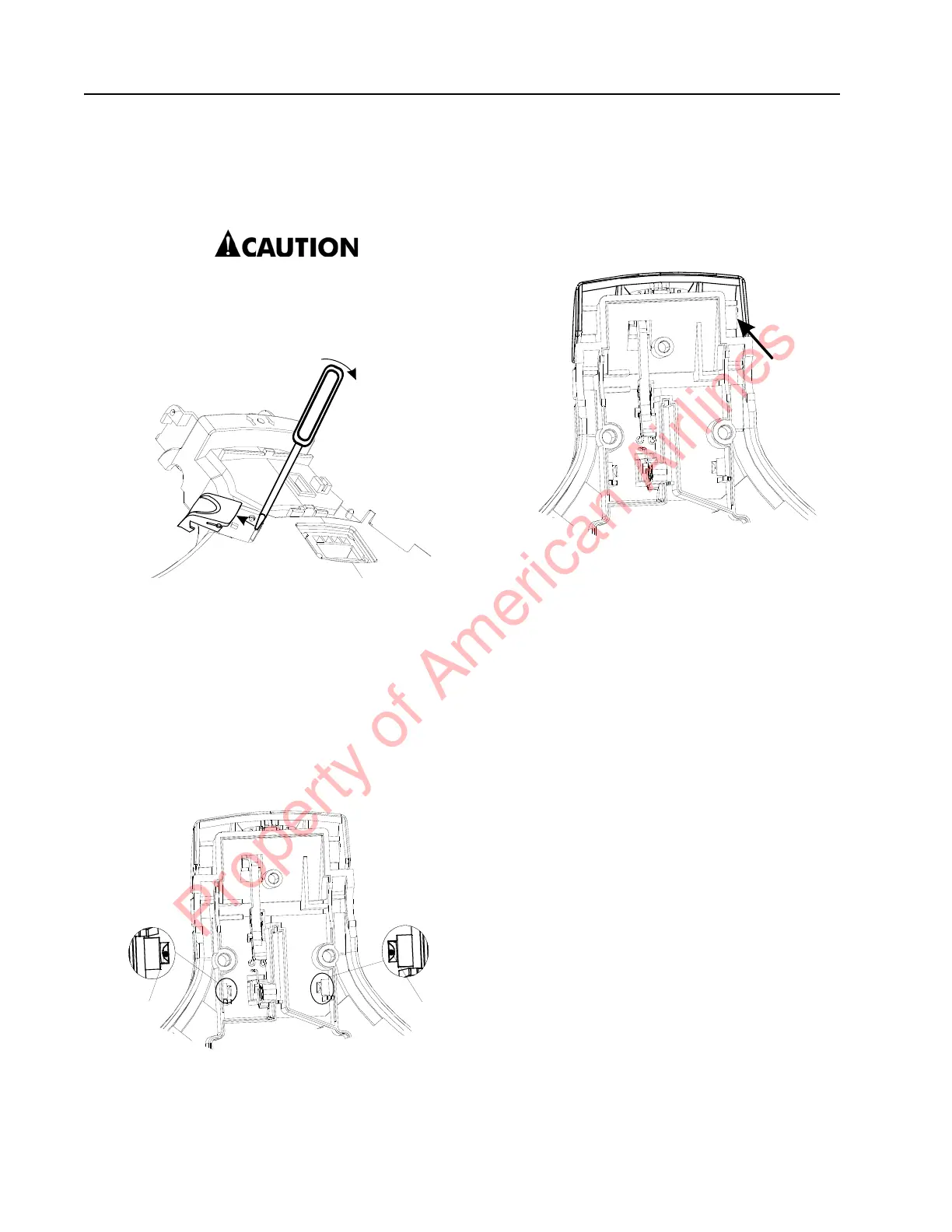
Horn Button/Switch Replacement
1. Remove the horn button [7, 18]. See
Figure 7-19.
Do not use excessive force when prying
on the button or you can damage the
locking tabs.
Figure 7-19. Horn Button Removal
2. Disconnect the connection for the switch
on the vehicle manager [8].
3. Press out the switch from its mounting in
the top cover assembly.
Lift/Lower Button Replacement
1. Remove the lift/lower button [4] by placing
a screwdriver in the hole [A]. See
Figure 7-20.
Figure 7-20. Lift/Lower Button Removal
2. Unscrew the holder [26] so that the arm
[4a] comes loose.
Push Button Replacement
1. Press the push button [20] sideways.
2. Insert a screwdriver and carefully pry the
button loose. See Figure 7-21.
Figure 7-21. Push Button Removal
3. Unscrew the button’s holder and arm
[20a].
Property of American Airlines



 To Next Page