Model 8210/8250 Maintenance Manual Section 7. Component Procedures
Electrical Components Lithium-Ion Battery
Publication: 1146945/001, Revised: 25 Sep 2018 7-49
Lithium-Ion Battery Covers
General Information
To replace or install internal components, the
top and front lithium-ion battery covers must
be removed. One exception is the lithium-ion
battery display only needs the top cover
removed. Details of the procedures to remove
these two items are included here. Both
processes can be performed with the
lithium-ion battery either mounted in the truck
or located outside of it.
If the lithium-ion battery is mounted in the
truck, it is in the correct orientation for
removing the top and front cover.
If the lithium-ion battery is outside of the truck,
orient the lithium-ion battery so that it is not at
risk of tipping over.
If the lithium-ion battery is not
supported, the lithium-ion battery risks
tipping over. This can cause harm to
body parts. This can be avoided if the
lithium-ion battery is resting on the back
plate (see Figure 2 for back plate
location).
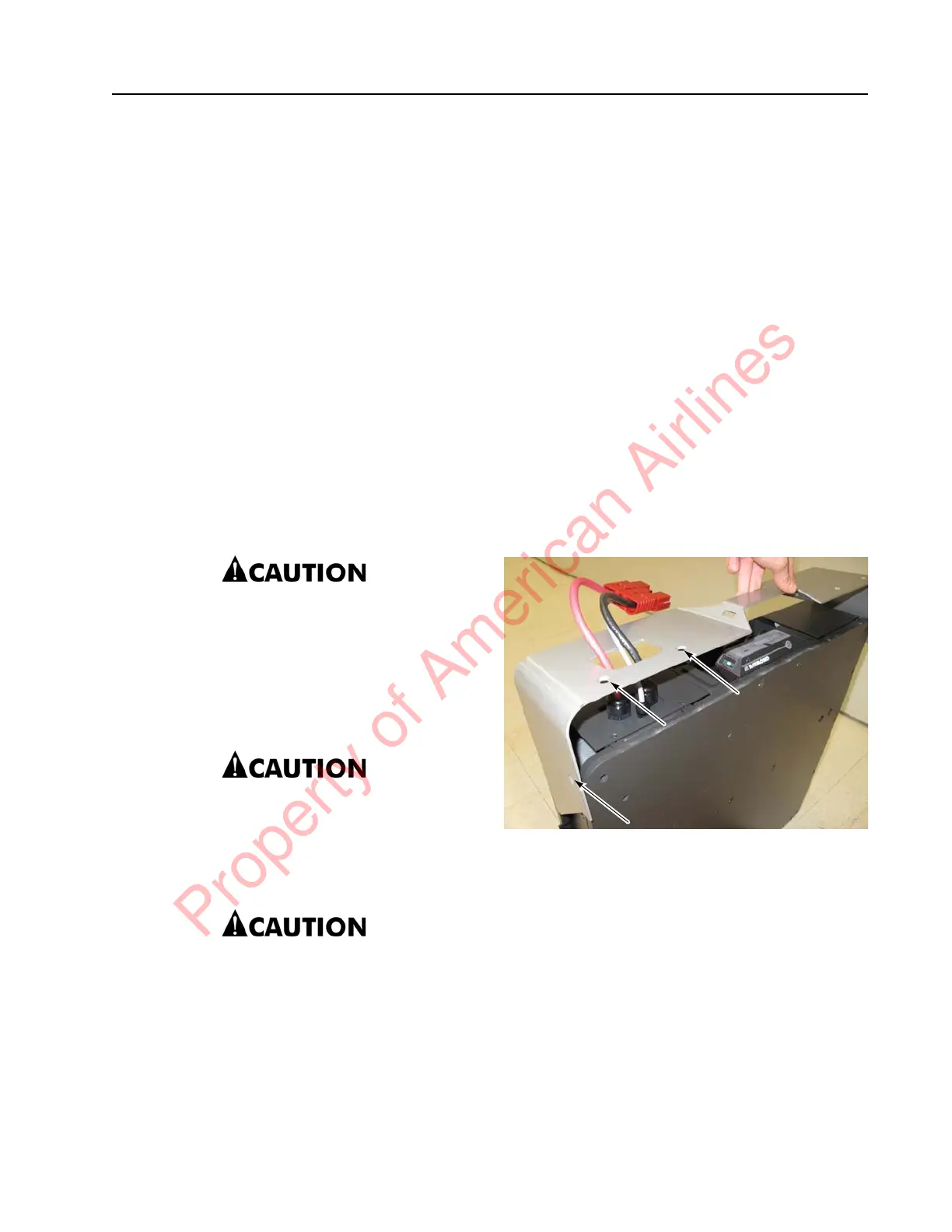
The process to remove the front cover is
best performed with two people; one to
remove cover, and the other person to
guide the SBX connector through the
D-shaped hole in the covers.
Disconnect the AC charge cord from any
energized electrical outlet to remove the
chances of coming into contact with
outlet power upon removal of any cover
piece.
Top Cover
Top Cover Removal
Perform the following steps to remove the top
cover.
1. If equipped with the optional keypad,
press the red OFF ( O ) key. Place the Main
ON/OFF Switch in the OFF position.
Disconnect the battery connector from the
truck.
2. Verify the lithium-ion battery is not in a
position to tip over.
3. Disconnect the SBX connector from the
truck.
4. Verify the AC charge cord will not interfere.
5. Remove the six screws keeping the top
cover mounted in place. Two are located
on the sides, four are located on the top.
Figure 7-60. Top Cover Mounting Screws (left side shown)
6. Remove the top cover by lifting the cover
up, while guiding the SBX connector
through the D-shaped cutout.
Top Cover Installation
Perform the following steps to install the top
cover.
1. Place the top cover over the previously
installed front cover. See “Front Cover
Installation” on page 7-50. Align the
mounting holes of the top cover with the
screw holes on the lithium-ion battery.
Property of American Airlines



 To Next Page