Model 8210/8250 Maintenance Manual Section 5. Troubleshooting
Lithium-ion Battery Troubleshooting
Publication:1146945/001, Revised: 25 Sep 2018 5-27
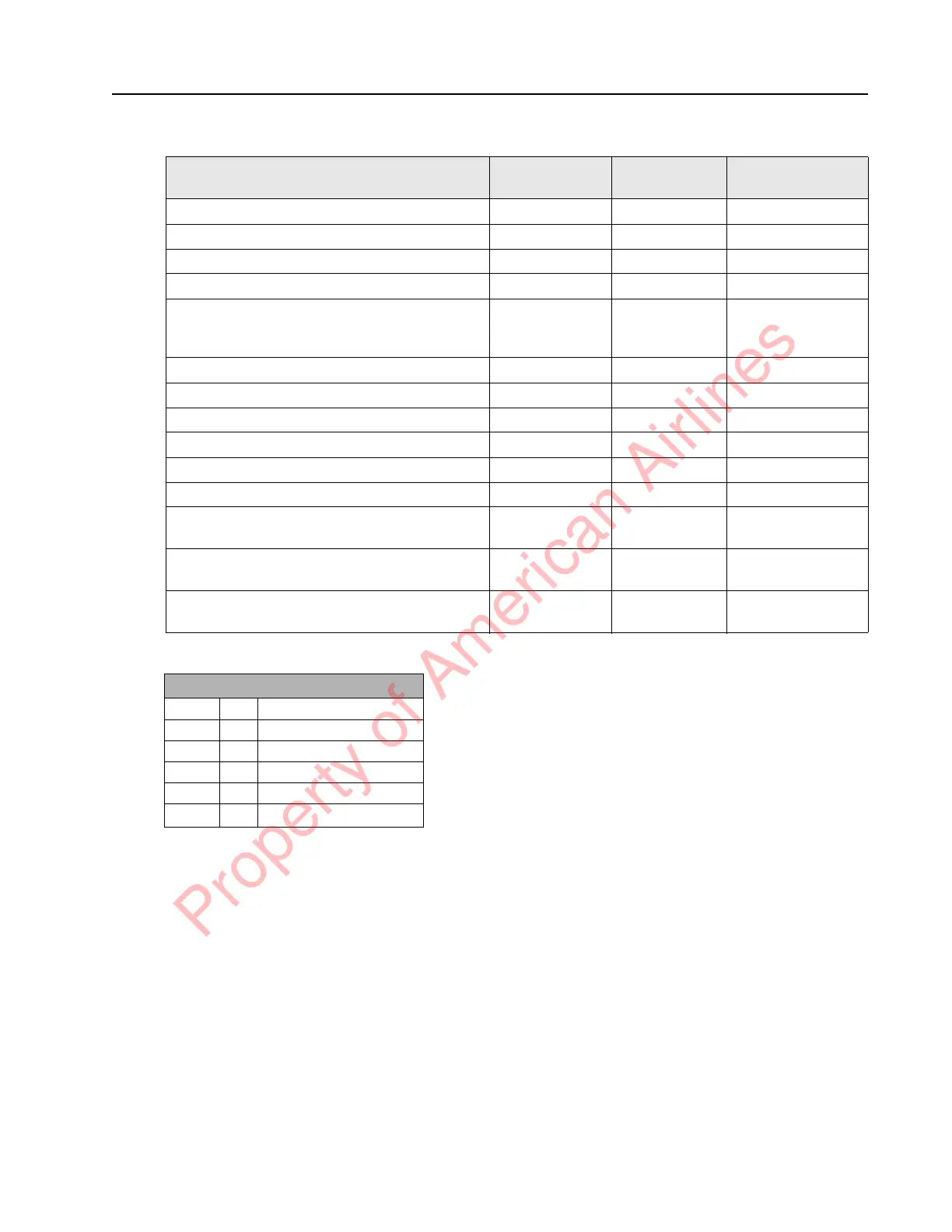
Table 5-3. Status Indicator LED Patterns and Tones
NOTE: Three conditions that will discontinue
the Charge Schedule Alert are:
1. The alert times out.
2. The multi-function button is pressed.
3. The charger is plugged in.
Operating Condition
Status
Indicator LEDs
Beacon LEDs Audible Tone
Ready for Operation or Operating G _ None None
Charger Plugged In G _ A * None None
Low Charge A * Blinking Loud & Obnoxious
Charge Scheduled G ~ A * * ~ None Alert Beeps
Time To Charge Alert (See Note) G, A * * ~
(G is OFF when
A is ON)
None Alert Beeps every
15 seconds
High Temperature G ~ A * * * None Alert Beeps
Low Temperature G ~ A * ~ ~ None Alert Beeps
Charger Fault R ~ * * None Alert Beeps
Battery Fault R ~ ~ * None Alert Beeps
Sleep Mode Engaged A _ None None
Shutdown Pending R * * * Blinking Loud & Obnoxious
Reserve Mode A _ R ~ None Alert Beeps every
15 seconds
Manual Travel Mode A _ R * ~ None Alert Beeps every
15 seconds
Dormant Mode A _ R * * ~ None Alert Beeps every
15 seconds
Status Indicator LED Key
_ = Steady Light
* = Short Blink
~ = Long Blink
G = Green
A = Amber
R = Red
Property of American Airlines



 To Next Page