COPIER (B156/B220) 10 February 2005
1-4
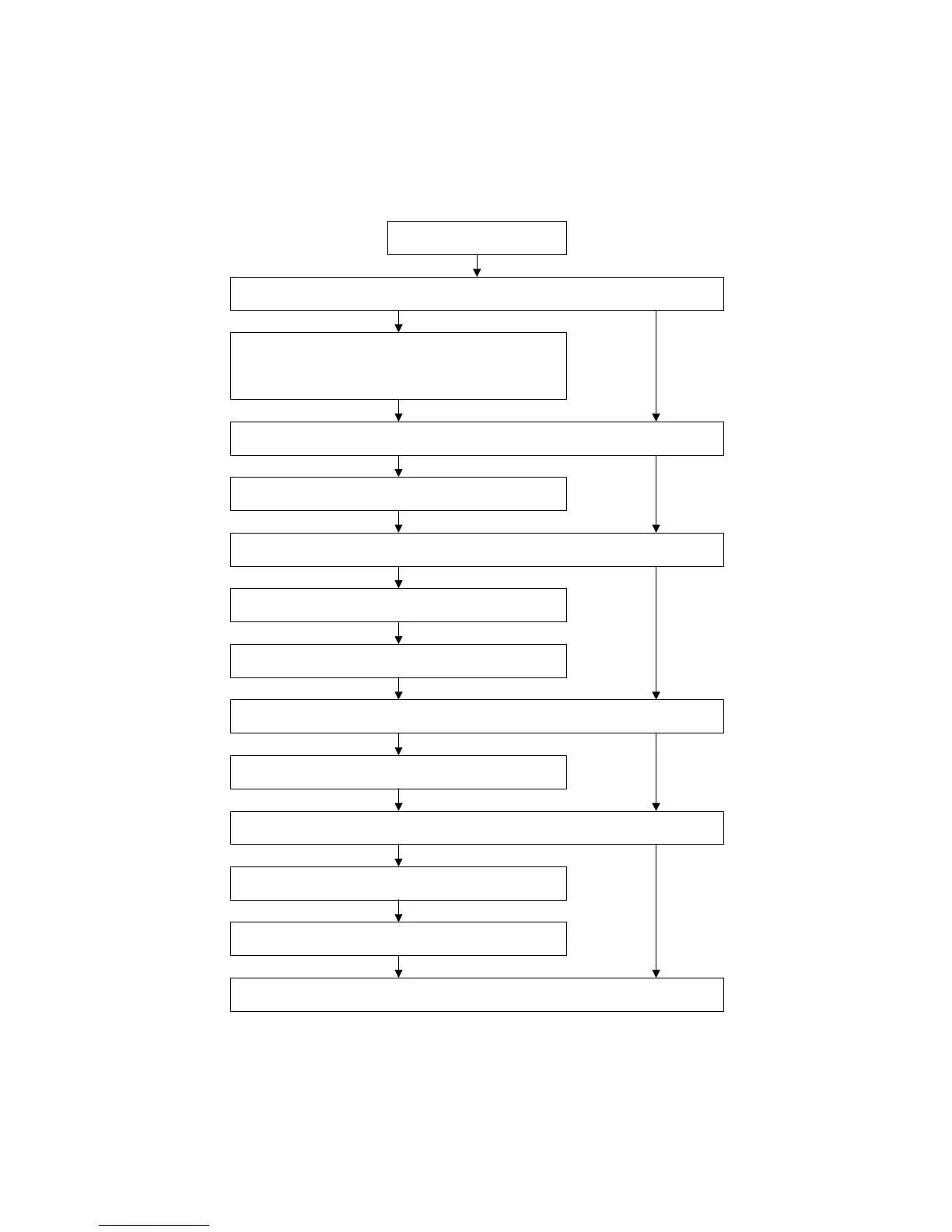
1.2.2 INSTALLATION FLOW CHART
The following flow chart shows how to install the optional units more efficiently.
Unpack the copier
Place the copier on the Paper Tray Unit or LCT
Install the Paper Tray Unit or LCT
Install the copier
Install the By-pass Tray
Yes No
Yes No
Install the Interchange Unit
Install the Duplex Unit and/or 1-bin Tray Unit
Yes No
Install the Shift Tray
Yes No
Install the Bridge Unit
Install the Finisher
Yes No
Does the user require the Paper Tray Unit, LCT, or Finisher?
Does the user require the By-pass Tray?
Install the ARDF or Platen Cover (if required)
Does the user require the Duplex Unit and/or 1-bin Tray Unit ?
Does the user require the Shift Tray?
Does the user require the Finisher?
Yes
B156I503.WMF



 To Next Page