10 February 2005 DIP SWITCHES
5-129
Service
Tables
Counter
In the User/Tools Counter display, touch Counter.
• The total counters will be displayed.
View the settings, touch Print Counter Exit to return to the User Tools/Counter
display, and then touch Exit to return to the copy window.
5.8 DIP SWITCHES
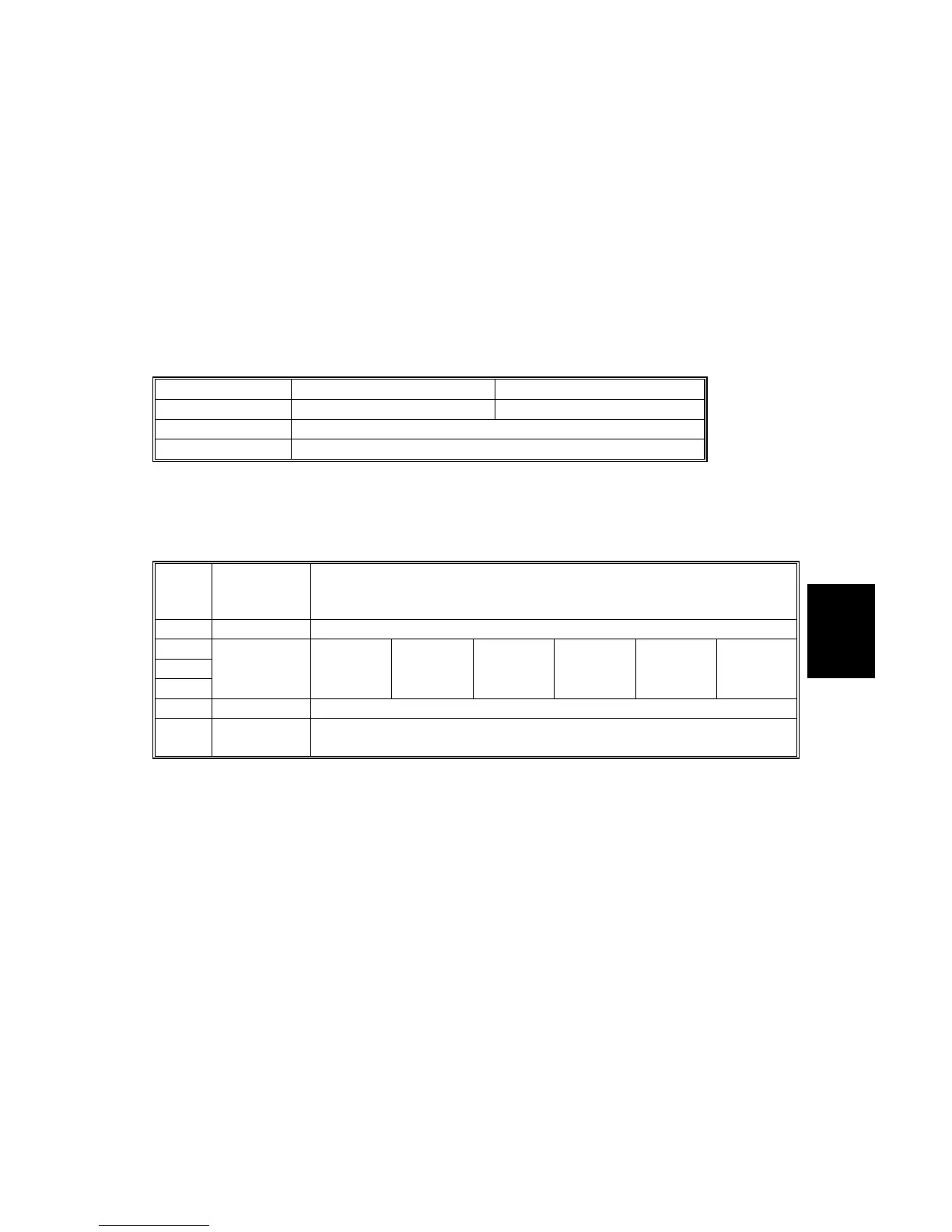
Controller Board: SW2
DIP SW No. OFF ON
1
Boot-up from SD card Boot-up from SD card
2 to 7
Default: OFF DFU
8
Default: ON DFU
If the controller firmware download attempt failed, you must boot the machine from
the SD card. To do this, set DIP SW 1 on the controller board to OFF.
BICU Board: SW2
DIP
SW
No.
Function
Settings
1 Not used DFU
2 Off: Off: Off: On: On: Off:
3 Destination Off: JAN On: NA Off: EU On: AA Off: TWN On: CHN
4 Off: Off: On: Off: Off: On:
5 Not used DFU
6
Debug
Mode
DFU
JAN: Japan, NA: North America, EU: Europe, AA: Asia, TWN: Taiwan, CHN: China



 To Next Page