IMAGE PROCESSING 10 February 2005
6-28
Image Separation
The original image is classified into the text and photo (dot screen) areas.
Edge Separation
• Used to locate text and line diagrams
• Locates areas of strong contrast.
• Looks for continuity of black or colored pixels.
• Looks for continuity of white pixels around black or colored pixels.
• Only uses data from the green CCD.
Dot Screen Separation
• If white pixels are not detected around non-white pixels, it is a dot screen area.
Colored Text Separation
• Identifies whether the text area’s pixels are black or color.
• Based on:
1) Differences among the RGB maximum signal levels.
2) Output levels of the RGB video signals.
ACS (Auto Color Selection)
The auto color selection function determines if an original is black/white or color.
Black copy mode or full color mode is automatically selected.
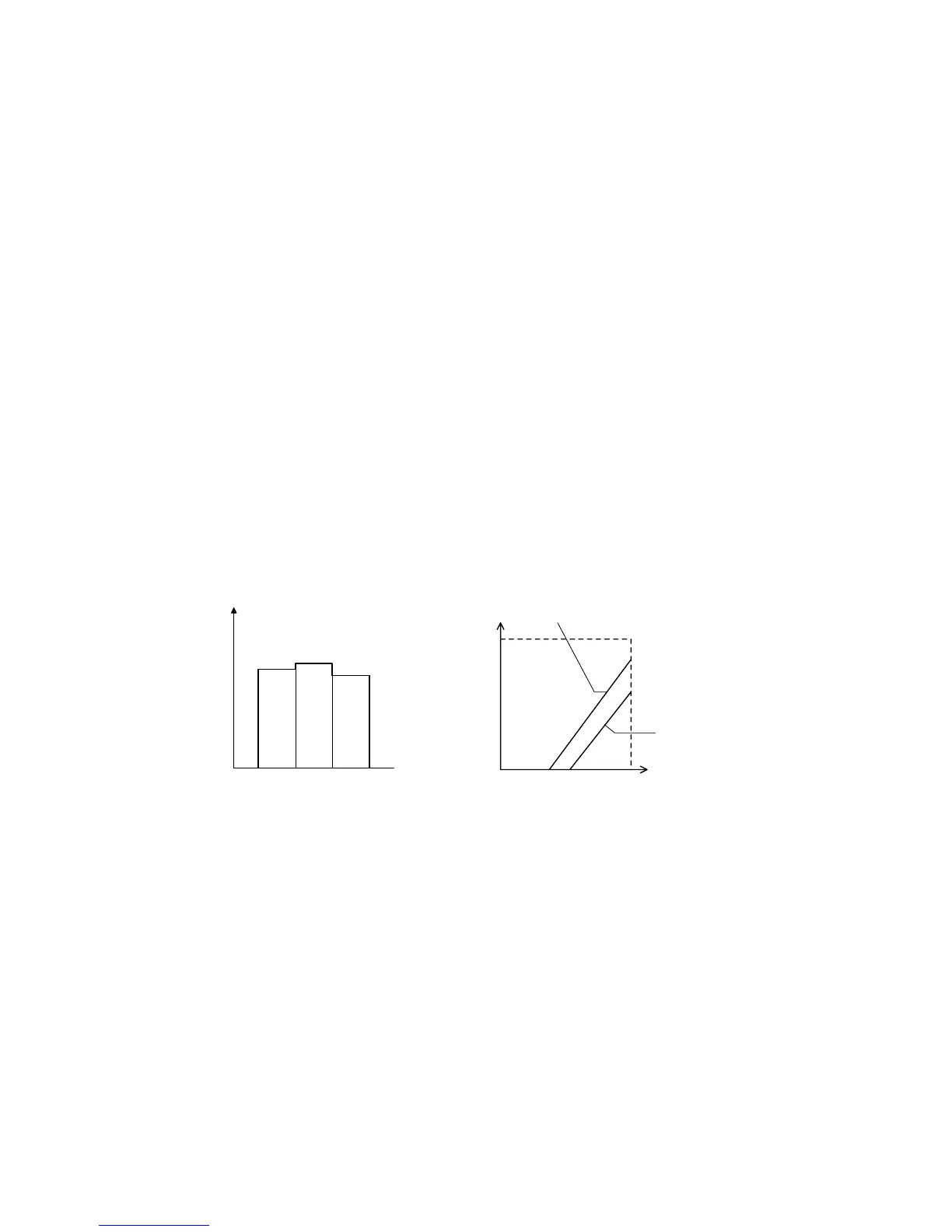
Selection is made based on the difference between the RGB signal levels.
RGB video signals are compared.
If the maximum difference among RGB signals is within a certain range, the
original is considered black and white.
0 102 128 255
255
(40% UCR rate) (50% UCR rate)
RGB common data
153 (50% UCR rate)
204 (50% UCR rate)
Color first
Black and white first
B156D018.WMF
RGB signal after scanner
γ
correction
B
Signal Level
RG
B156D017.WMF



 To Next Page