IMAGE FUSING AND PAPER EXIT 10 February 2005
6-72
6.12.5 TEMPERATURE CONTROL
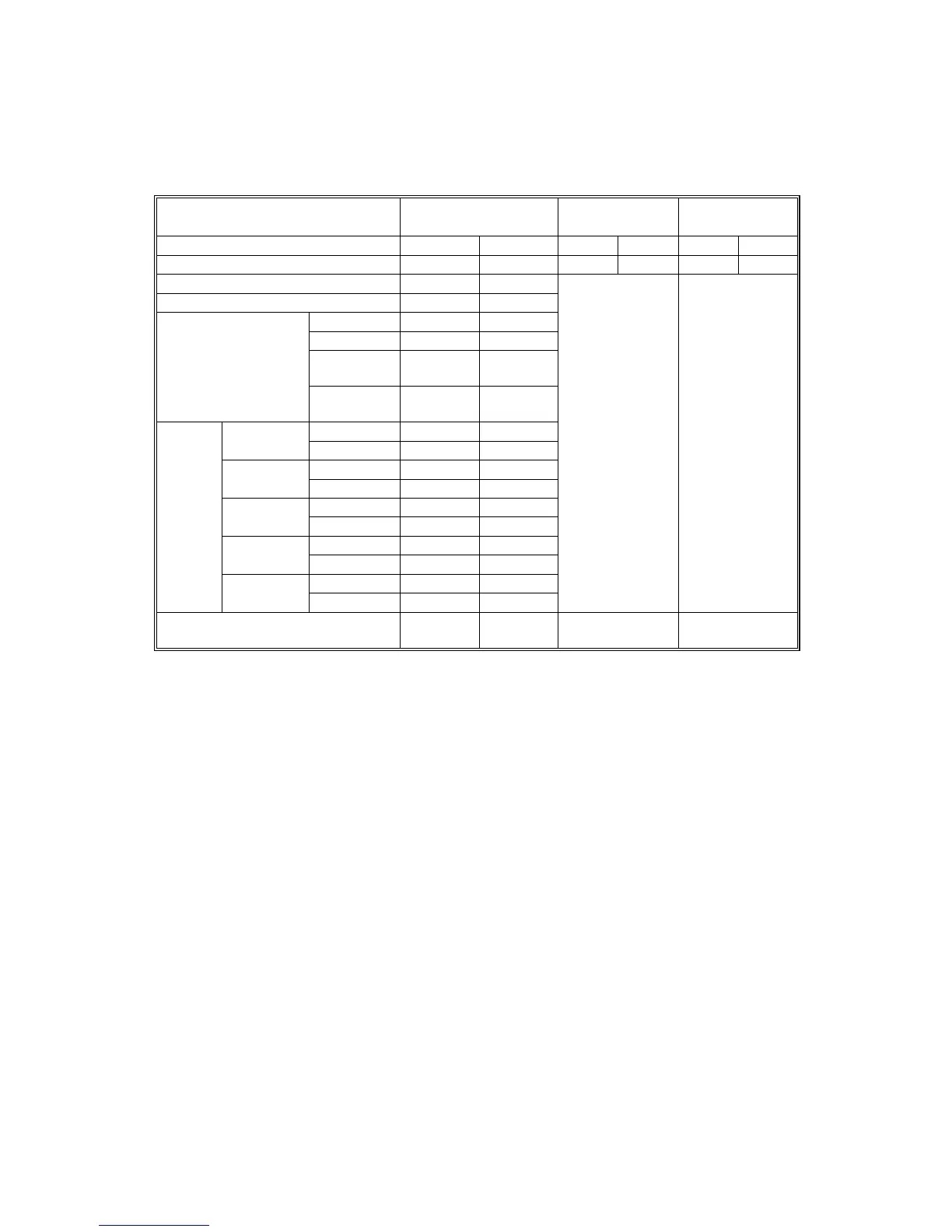
The table lists default settings and variable ranges for temperature control.
External temperature (*1)
More than 15°C ~
less than 30°C
15°C or lower 30°C or higher
Roller Heating Press. Heat. Press. Heat. Press.
Fusing idling start (*2) 145 10 150 10 140 10
Print ready (*3) 155 65
Ready (standby mode) 160 115
Panel off 1 175 120
Panel off 2 165 115
Low power
mode
140 100
Energy saver
Auto off
mode
Room
temp.
Room
temp.
Mono color 155 Lamp off
Normal
paper
Full color 160 Lamp off
Mono color 165 Lamp off
>90 g/m2,
24 lb
(*4)
Full color 170 Lamp off
Mono color 165 Lamp off
Thick
Full color 170 Lamp off
Mono color 165 Lamp off
OHP
Full color 175 Lamp off
Mono color 150 Lamp off
Printing
Duplex
(*5)
Full color 155 Lamp off
Heat.: +5
Adjustable with
SP1-105-27
Press.: +0
Adjustable with
SP1-105-28
Heat.: –5
Adjustable with
SP1-105-29
Press.: +0
Adjustable with
SP1-105-30
Variable range (*6)
100 ~
190
30 ~ 200 0 ~ +20 0 ~ –20
*1: External temperature is measured (temperature/humidity sensor) when the main switch is
turned on and when a job start signal is received.
*2: The pressure and heating rollers start idling.
*3: Fusing idling stops when both roller temperatures reach the print ready condition. The
printer can process jobs when the rollers reach this temperature during warm-up.
*4: A user tool (User Tools - System Settings - Tray Paper Settings - Paper Type) specifies the
paper type in each tray (plain, thick, or OHP). If “plain” is selected, then another user tool
(User Tools - Maintenance - Plain Paper Type) defines whether the paper in the tray is
“normal” or “>90 g/m2, 24 lb”. (☛ 5.1.2). “>90 g/m2, 24 lb” means “greater than or equal to
90 g/m2, 24 lb”.
• “Thick” means paper heavier than 105 g/m
2
(28 lb).
*5: Both sides of the paper are processed with the same roller temperatures.
*6: Use SP1-105 to adjust the default fusing temperatures (☛ 5.1.2).



 To Next Page