DATA OVERWRITE SECURITY UNIT (B735) 10 February 2005
1-62
Installation Procedure
!CAUTION
The machine must always be turned off and its power cord disconnected
before you do this procedure.
NOTE: You must install the data overwrite protection unit in SD Card slot 2. But,
the postscript option for this machine is also installed in SD Card slot 2.
Because of this, you must do the SD Card Appli move procedure first (☛
5.9) if the postscript option is installed and you want to install the Data
Overwrite Security unit. Move the Data Overwrite Security application (slot
3) to the SD Card that contains the Printer/Scanner application (slot 1).
1. If the machine is on, turn off the main power switch.
2. Disconnect the network cable.
3. Turn the main power switch on.
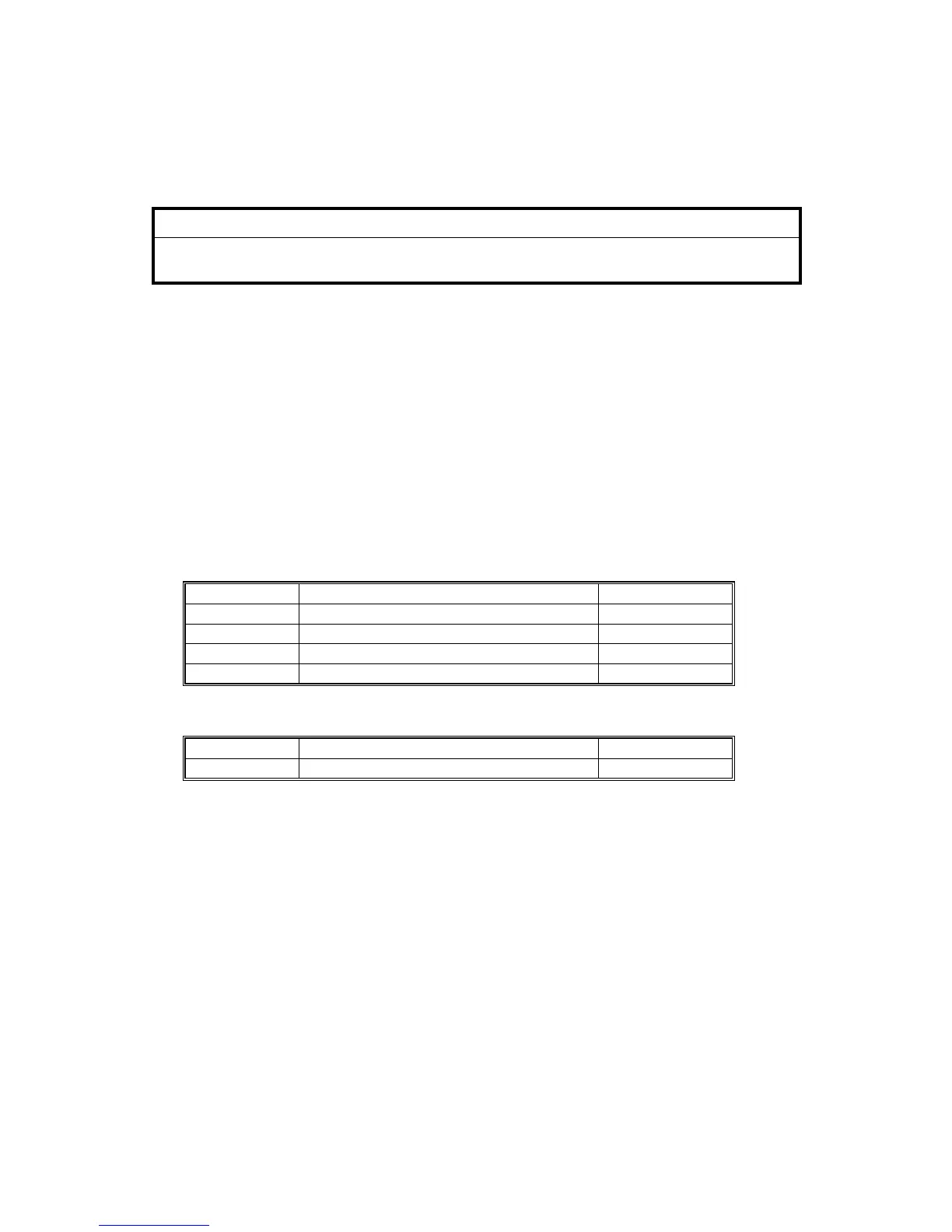
4. Do the “Copy SPs” in the table below.
SP No. SP Name Set To:
5871-001 HDD Function Disable 1 (On)
5967-001 Copy Server Set Function 1 (Off)
5846-090 USC Settings - Plain Data Forbidden 1 (Check)
5836-001 Capture Setting – Capture Function 1 (On)
5. Do the “Printer SP” in the table below.
SP No. SP Name Set To:
1006-001 Sample/Locked Print 1 (On)



 To Next Page