10 February 2005 SERVICE PROGRAM MODE
5-107
Service
Tables
ARDF Input Check (SP6-007)
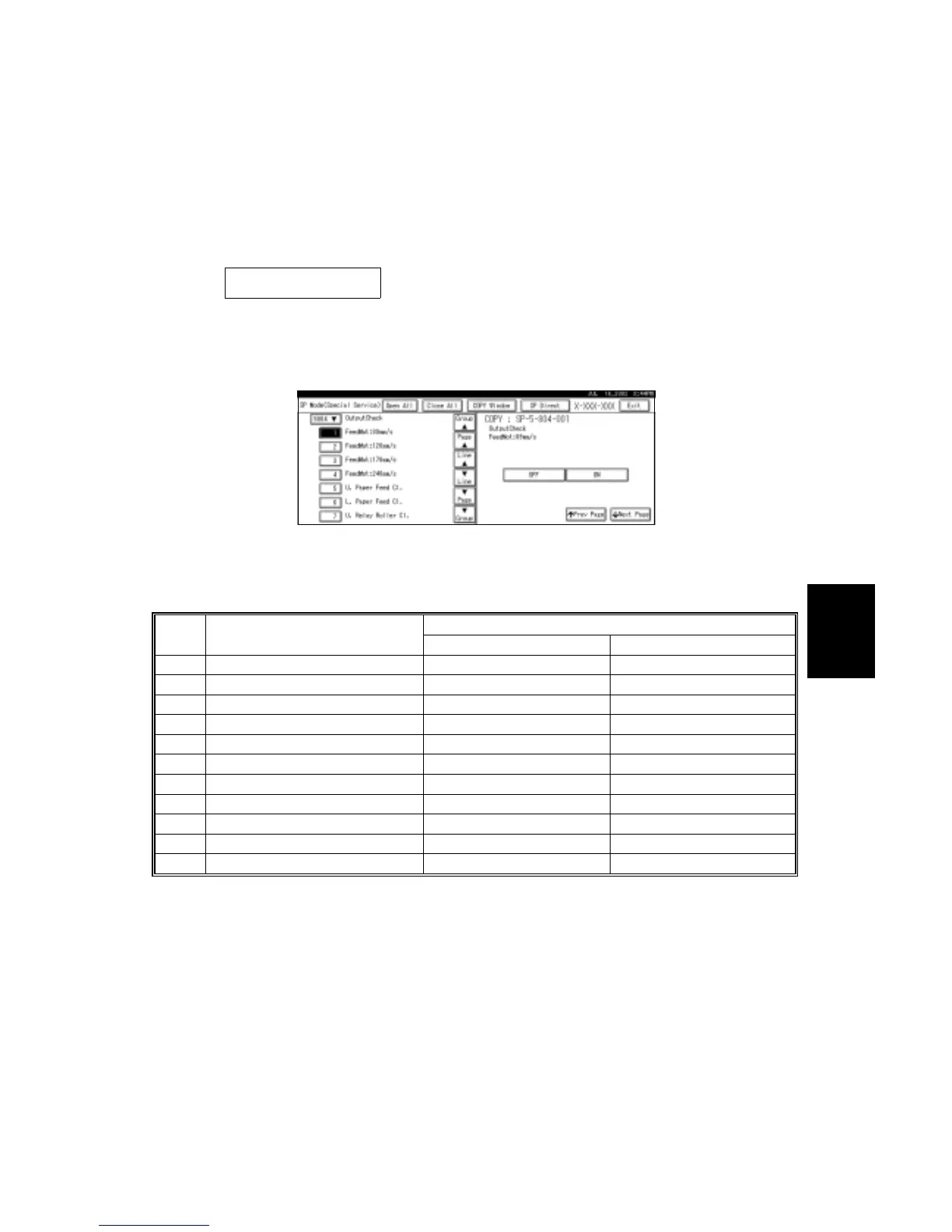
1. Enter the SP mode and select SP6-007.
2. Enter the number (1 – 11) for the item that you want to check. A small box will
be displayed on the SP mode screen with a series of 0’s and 1’s, as shown
below. However, only bit 0 at the right side of the screen is valid.
0 0 0 0 0 0 0 0
Bit 7 6 5 4 3 2 1 0
3. Check the status of bit 0 for the required item listed in the table below.
Reading
No. Description
0 1
1 Original set sensor Paper not detected Paper detected
2 Original width sensor 1 (W1) Paper not detected Paper detected
3 Original width sensor 2 (W2) Paper not detected Paper detected
4 Original length sensor 1 (L1) Paper not detected Paper detected
5 Original length sensor 2 (L2) Paper not detected Paper detected
6 Original trailing edge sensor Paper not detected Paper detected
7 ADF cover sensor Cover closed Cover opened
8 DF position sensor ADF closed ADF opened
9 Registration sensor Paper not detected Paper detected
10 Exit sensor Paper not detected Paper detected
11 Inverter sensor Paper not detected Paper detected
B156S505.WMF



 To Next Page