PRINTER OPTIONS 10 February 2005
1-56
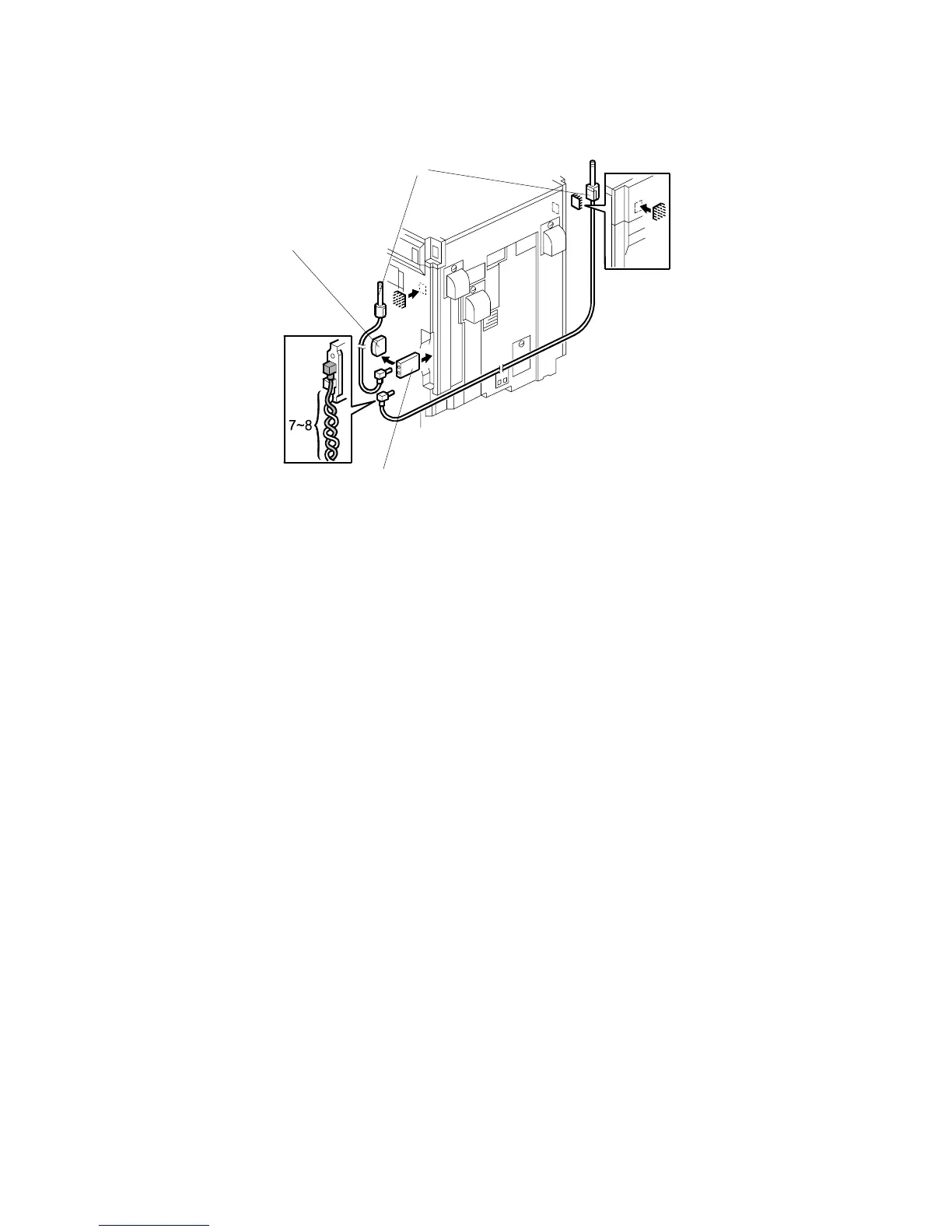
If wireless LAN reception is not very good, install the extended antenna.
5. Remove the wireless LAN card [A] from the machine.
6. Remove the standard antenna [B] from the wireless LAN card.
7. Install the extended antenna [C] on the LAN card, as shown.
NOTE: The antenna jack must be at the bottom end.
8. Twine the extended-antenna wires seven or eight times.
9. Peel off the backing of the double-sided tape attached to the antenna, and stick
the antenna on the machine.
B529I008.WMF
[A]
[B]
[C]



 To Next Page