The user may then select the Modbus address of the device or
devices that are connected to the P3W WMA, It is possible to have
47 Modbus devices integrated into the network using addresses 201
to 247. It is possible to have more than one Modbus device
connected to a P3W WMA. All Modbus devices must have unique
addresses that must not clash with other Modbus devices in the
network. For Modbus devices fitted in the Pakscan wireless network,
the master station system is effectively used as a transparent
transport mechanism i.e. the host sends Modbus requests to the
master station as though addressing the device directly.
Controls
Save Settings : Saves the settings to the Pakscan 2 Loop option module. Until they are
saved, any alterations to the settings will not take effect.
To print out the settings use the Print Page button below the Master station Configuration section of
the screen.
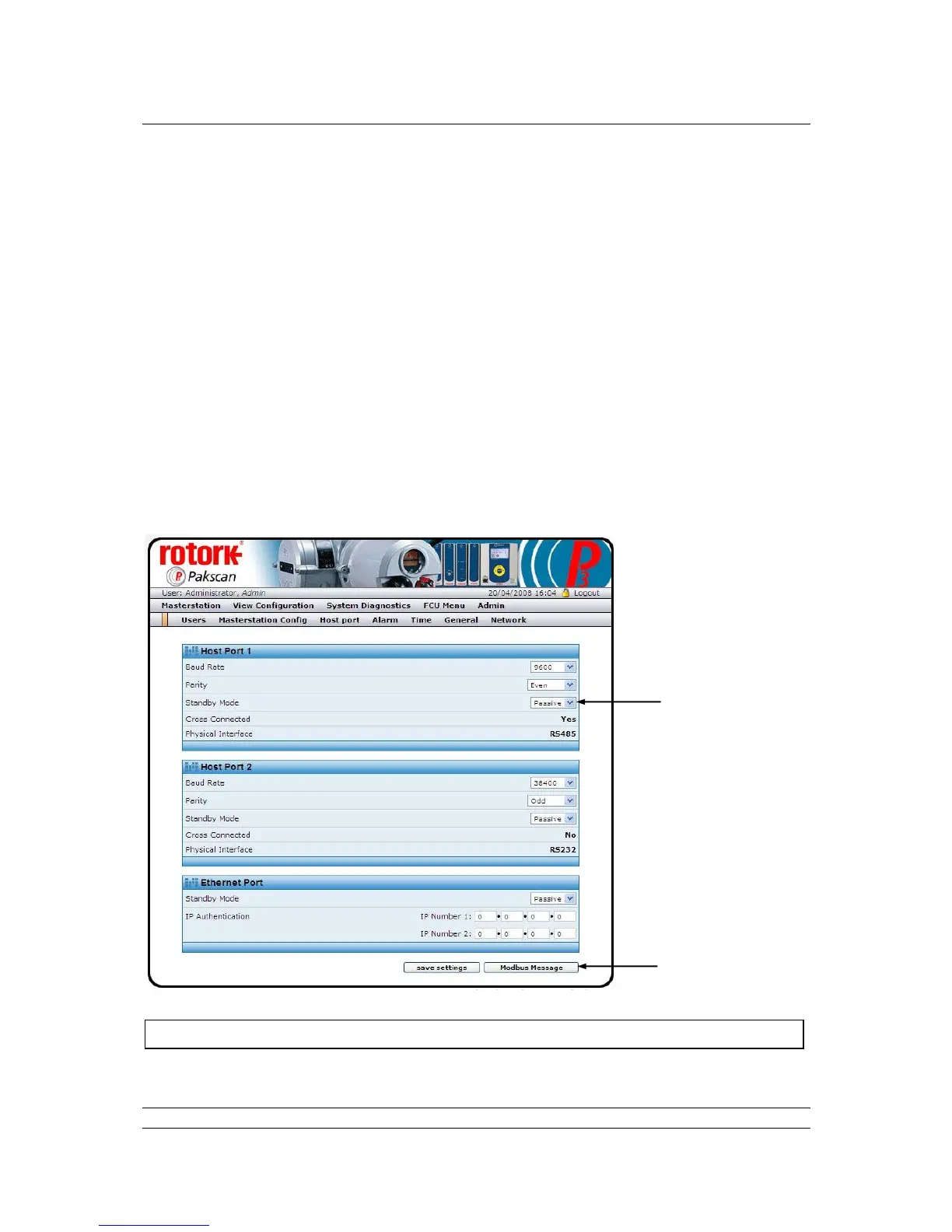
7.5.18 Host Port Configuration
Fig 76: Host Port Configuration web page



 To Next Page