P3 - Pakscan Master Station Technical Manual
122 of 136 Publication PUB059-002-00 Issue 06/15
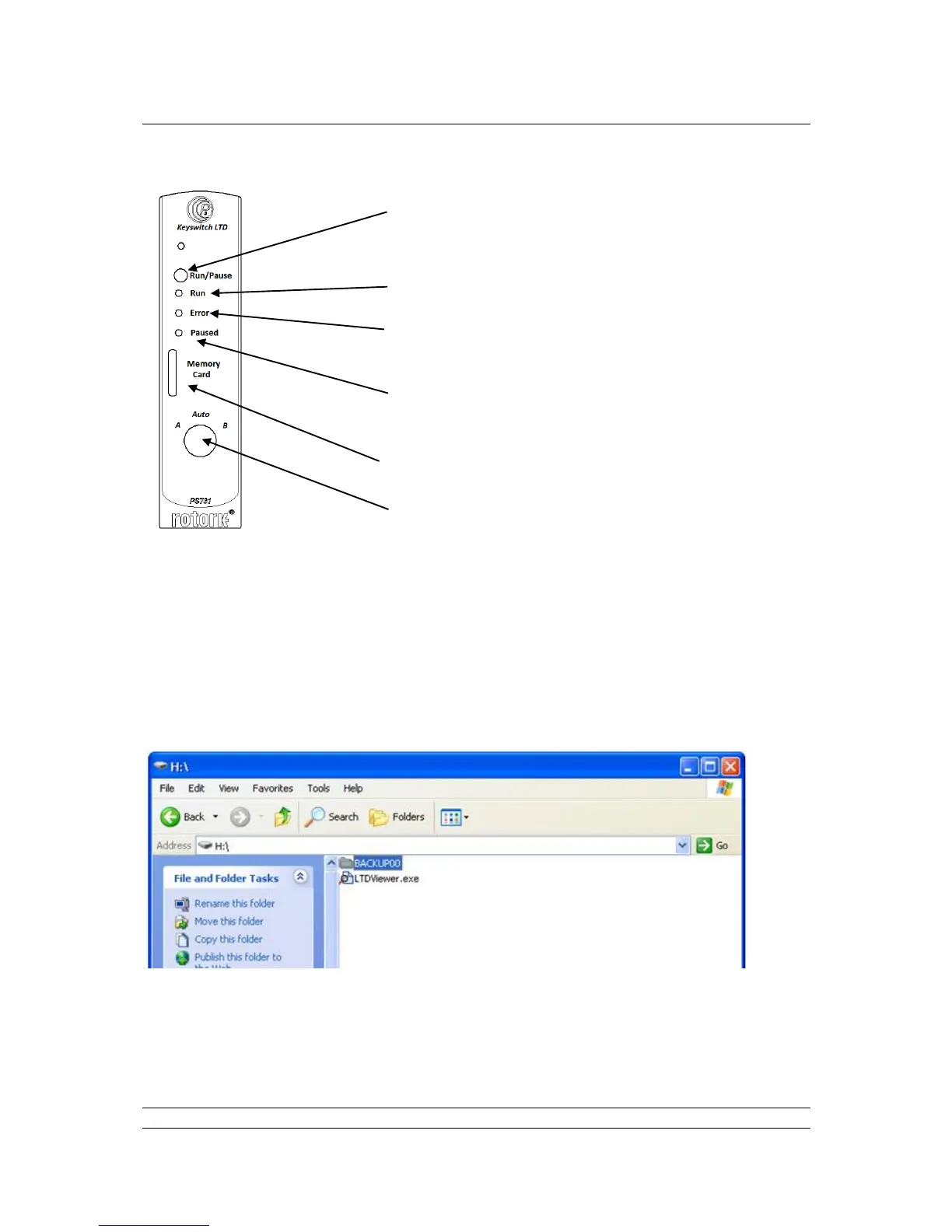
Fig 85: Front view of the LTD
9.1 Removing the memory card and copying data
Before removing the memory card it is necessary to stop the LTD from logging. Press the ‘Run /
Pause’ button once; the orange ‘Paused’ LED will start flashing. Once it has stopped flashing and is
solid orange, it is OK to remove the memory card. This is achieved by pressing lightly on the card
then letting go - the card should pop out enough for you to grab it. The card can then be placed in a
card reader or USB carrier for extraction of the files into a computer. The card will contain the LTD
Viewer software and also a folder with data inside:
Inside the data folder will be a number of files containing the logged data, these files are not readable
using a text file reader as they are in a Binary format.



 To Next Page