P3 - Pakscan Master Station Technical Manual
72 of 136 Publication PUB059-002-00 Issue 06/15
7.5.11 FCU Menu
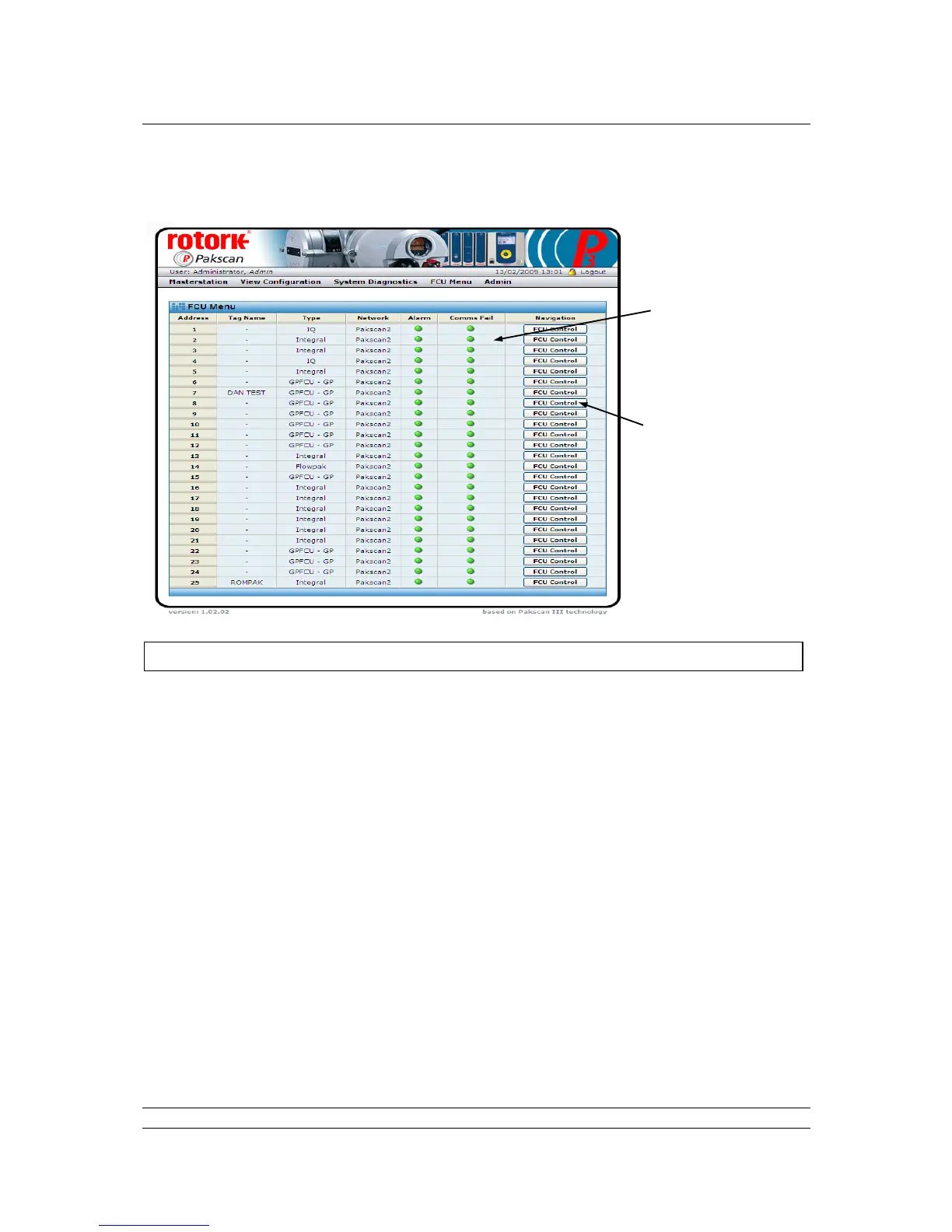
Fig 49: FCU Menu web page
The FCU Menu lists all the field units in address order (which may not be the same as the order in
which they are connected together on the wired loop).
For each address, the Tag name and Type of field unit is listed. Field unit types are described in
section 7.5.7. The Network column shows which option module network each actuator is connected to;
this will be Pakscan 2 for the 2-wire loop option module and Wireless for the wireless option.
The next two columns show critical alarm conditions that will prevent remote control of the actuator.
An Alarm present will generally prevent operation, whilst Comms Fail indicates that the actuator is no
longer in communication with the field network.
The final column has Navigation controls to the individual FCU screens.
Controls - Available to all user levels
FCU Control : Click here to show the selected FCU individual control panel web page.
The different types of devices each have different screens and only the
relevant data and controls for each type are included on the screen,
together with a picture identifying the type of device.
When not in communication the screen may still be visited, but the actuator
picture will have a large red cross over it to show that a problem exists.



 To Next Page