7. Internal Web pages
Issue 06/15 Publication PUB059-002-00 71 of 136
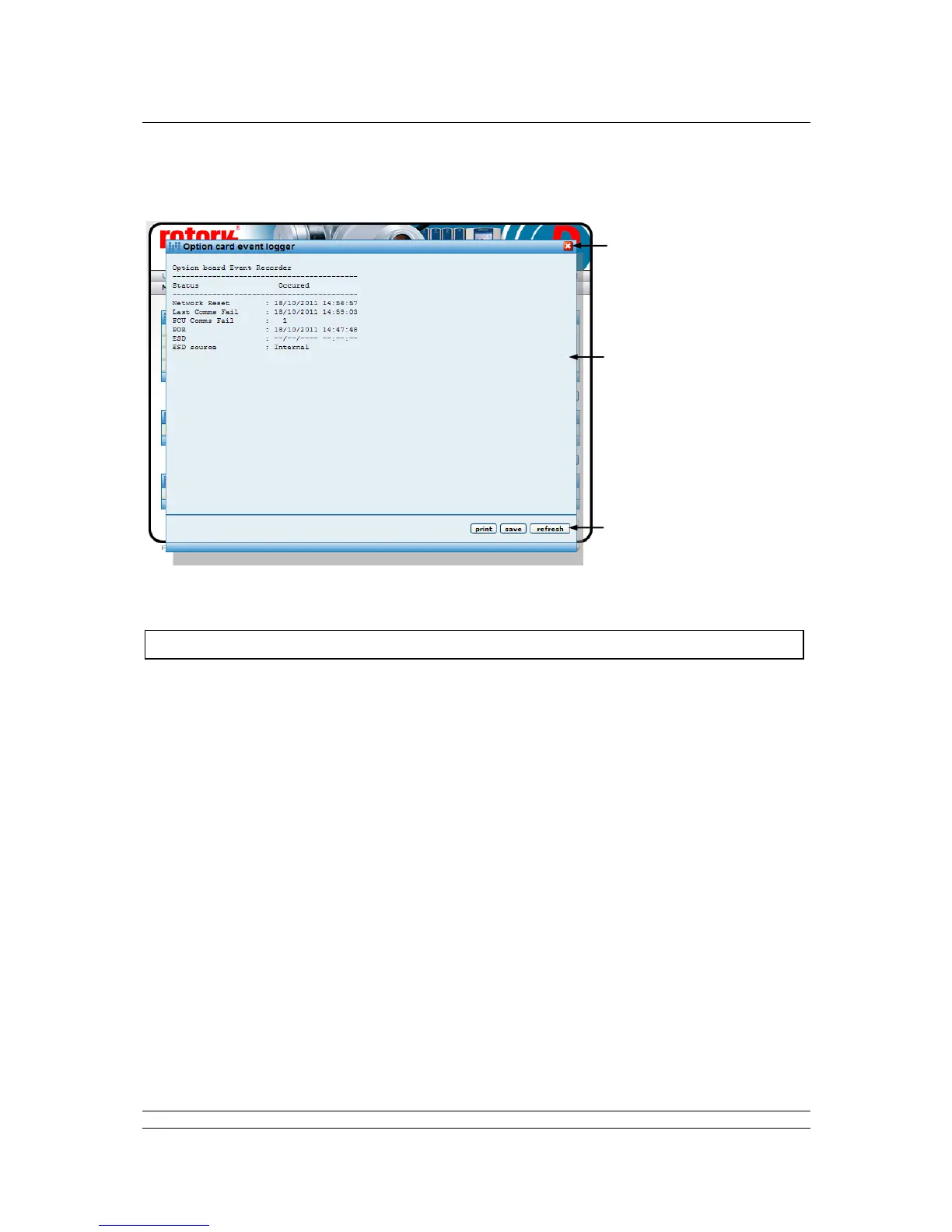
7.5.10 Pakscan Wireless Option Module Event Logger [Event Log]
Fig 48: Wireless Option Module Event Logger pop-up
The event logger shows the last occurrence of the listed events. In the case of an ESD, where the
ESD signal originated is reported. In the case of the last field unit comms fail, it also indicates which
field unit lost communications.
Controls - Available to all user levels
Print : Prints the logger data to a printer attached to the computer.
Save : Saves the logger data to a file on the computer.
Refresh : Updates the screen with any new data.



 To Next Page