7. Internal Web pages
Issue 06/15 Publication PUB059-002-00 93 of 136
7.5.17 Master station Configuration
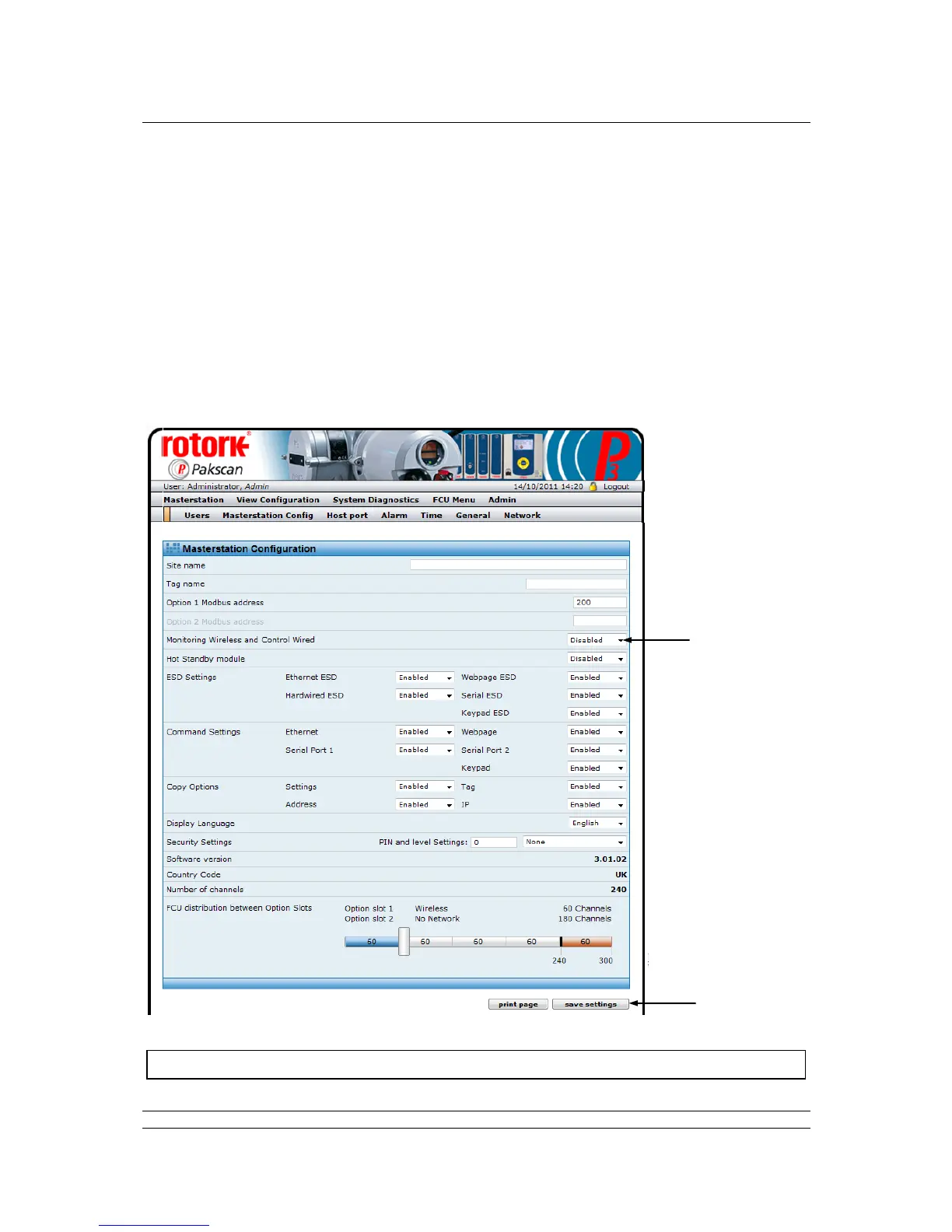
The master station configuration page is used to set the parameters required for successful operation
of the system and the parameters for the option modules fitted. In addition, it may be used to enter the
site name and tag name of the system and various security settings. The values set in these
parameters can be viewed under the ‘View Configuration’ button, but they may only be altered by
users logged in at Administrator level.
The Master station settings relate to the overall performance of the system and common features and
actions, irrespective of the option module fitted. Where these settings are relevant, they apply to all the
option modules in the master station.
The Option module settings relate to the particular option module fitted in the Option 1 and Option 2
slots.
Fig 72: Master station configuration web page: General Settings



 To Next Page