P3 - Pakscan Master Station Technical Manual
94 of 136 Publication PUB059-002-00 Issue 06/15
Masterstation Configuration [General Settings]
A text field in which a description of the site can be entered for
identification purposes.
A text field in which a tag identifier for this particular master station on
the site can be entered.
Option 1 and
Option 2
Modbus
Address
A numeric field for the address number. When addressing the P3
master station using a host, the user must use the appropriate Modbus
address. It is possible to fit up to 2 network option modules to the P3
master station. Each option module will have its own Modbus address,
therefore there are up to 2 Modbus addresses to set up, one for each
option module fitted. In a system with only 1 option module fitted, only
the address for the appropriate option module fitted is required to be
set up.
The default value is 240 for a Pakscan 2 Loop option module and 200
for a Pakscan wireless option module. It is recommended that his is
changed to avoid conflict with any new system added
Note for Pakscan 2 Loop module Modbus Addressing
In some cases when using Pakscan Generic Modbus protocol settings,
the master station will respond to more than one address; and the
setting here is the Base address. There is more information on the
base address and offset addresses in the Pakscan Modbus Protocol
document (PUB059-003 formerly S171E).
Monitoring
wireless and
Control wired
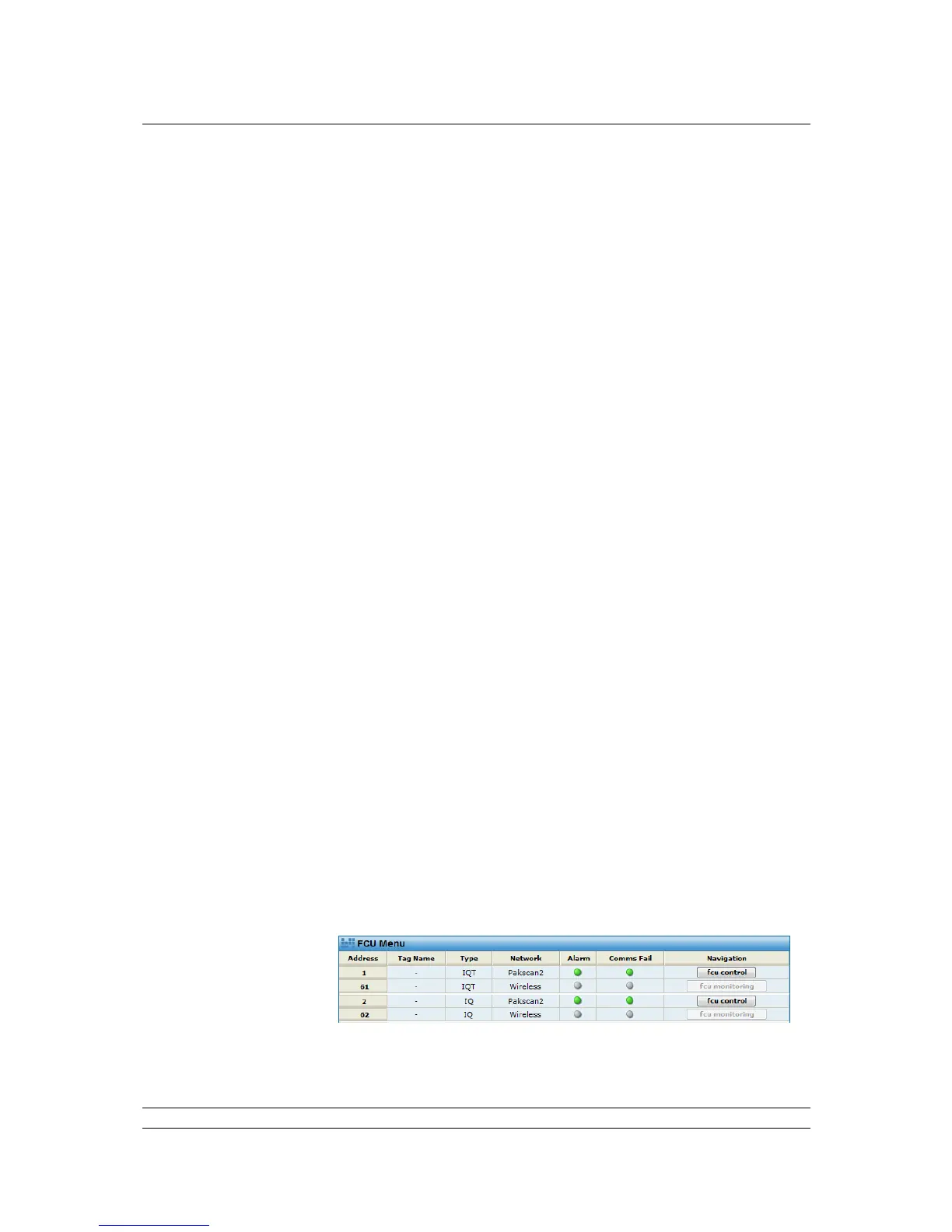
Only in a system where each actuator has a wired and a wireless
Pakscan module fitted, should this be enabled. This feature will pair up
the wired and wireless modules and enable them to be shown together
in the FCU menu web page. The pairings will be:
the first wired address with the first wireless address,
the second wired address with the second wireless address,
...... and so on.
Therefore in a system where the wireless addresses start at 61 (wired
always start from 1) the pairings would be:
Wired address 1 with wireless address 61
Wired address 2 with wireless address 62
Wired address 3 with wireless address 63
..... and so on.
The FCU menu will appear as below:



 To Next Page