P3 - Pakscan Master Station Technical Manual
52 of 136 Publication PUB059-002-00 Issue 06/15
7.2 Connecting a Computer Directly to the Master Station
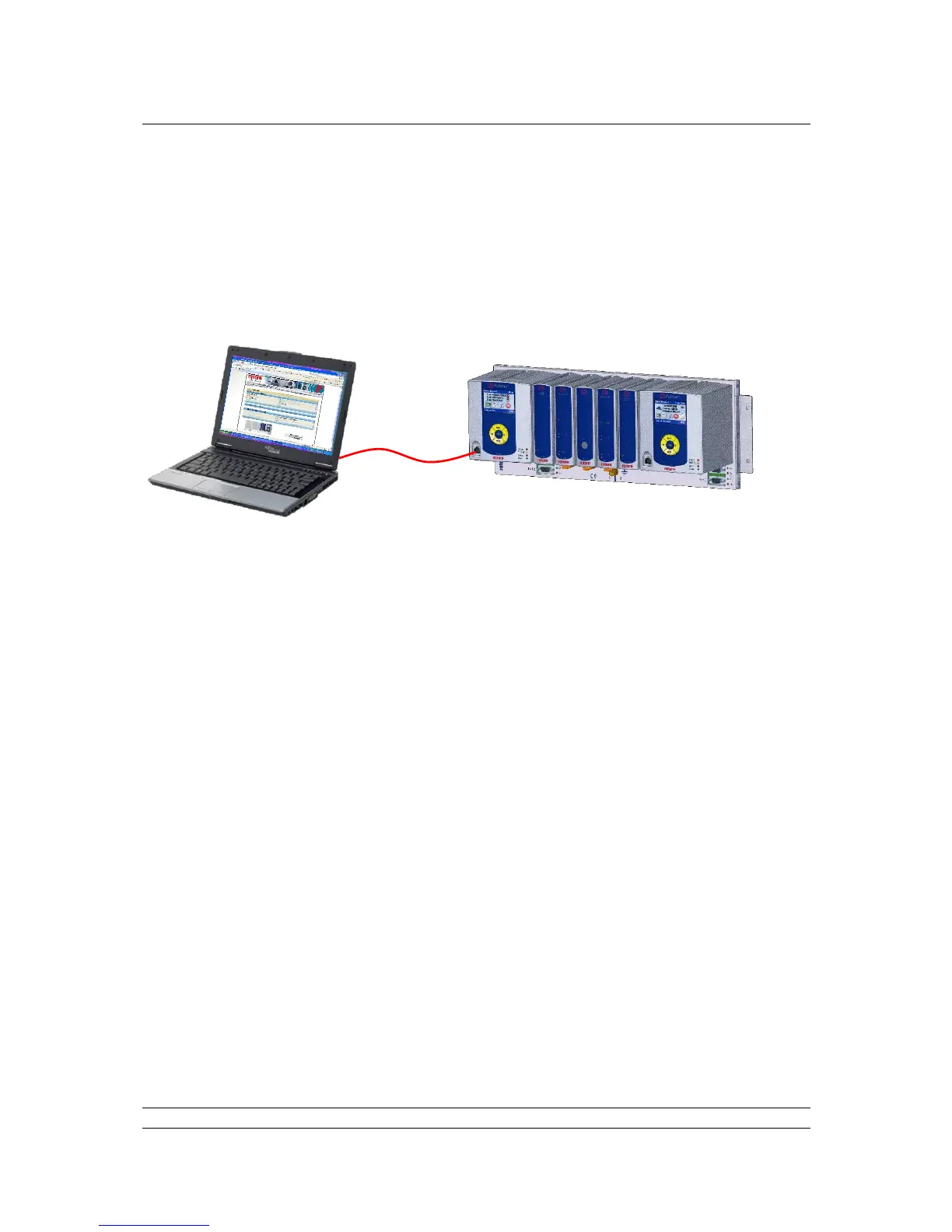
The simplest direct connection to the master station is by using the Ethernet port on the front of the
CPU module. A standard Ethernet patch cable or crossover cable can be used to link the two directly.
A permanent connection can also be made directly to one of the underside connectors (port 3 or 4). In
order to establish a connection it is probably necessary to adjust the settings of the computer’s
Internet connection.
Fig 33: Connecting a Laptop to the Pakscan P3 Main Module
7.3 Adjusting the Network Settings of the Computer
Ensure that nothing is connected to the Ethernet port of the computer.
Open the Control Panel and select Network Connections (XP) or Network and Sharing Centre
(Windows 7).
Select Change Adaptor settings (Windows 7 only).
In the ‘Network Connections’ window, double-click on the appropriate ‘LAN or High Speed
Internet’ icon and the ‘Local Area Connection Status’ window will open.
Click on the ‘Properties’ button, and a second window will open. Select ‘Internet Protocol
TCP/IP’ (‘Internet Protocol Version 4 (TCP/IPv4)’ for Windows 7) and click on the ‘Properties’
button in this window.
The ‘Internet Protocol TCP/IP Properties’ window will open. Next, change the setting to force
the computer to adopt a fixed IP address and enter an address of 10.200.1.3 and a subnet
mask of 255.255.255.0. Click on the ‘OK’ button and the window will close.



 To Next Page