P3 - Pakscan Master Station Technical Manual
92 of 136 Publication PUB059-002-00 Issue 06/15
Email Master : Select ‘Yes’ or ‘No’ for the choice of sending the master station log file via
station Log Email.
Language : Select the language to be used on the screens. Choices are English,
Spanish, French, German and Italian.
User Level : Select between Read, Write and Admin levels.
Password : Enter a unique password of letters and/or numbers kept secret by this user.
Repeat : Enter the same password as above.
Password
Back : Exit the screen without saving anything and return to the previous screen.
Save Settings : Save the details of this user (either new or edited values).
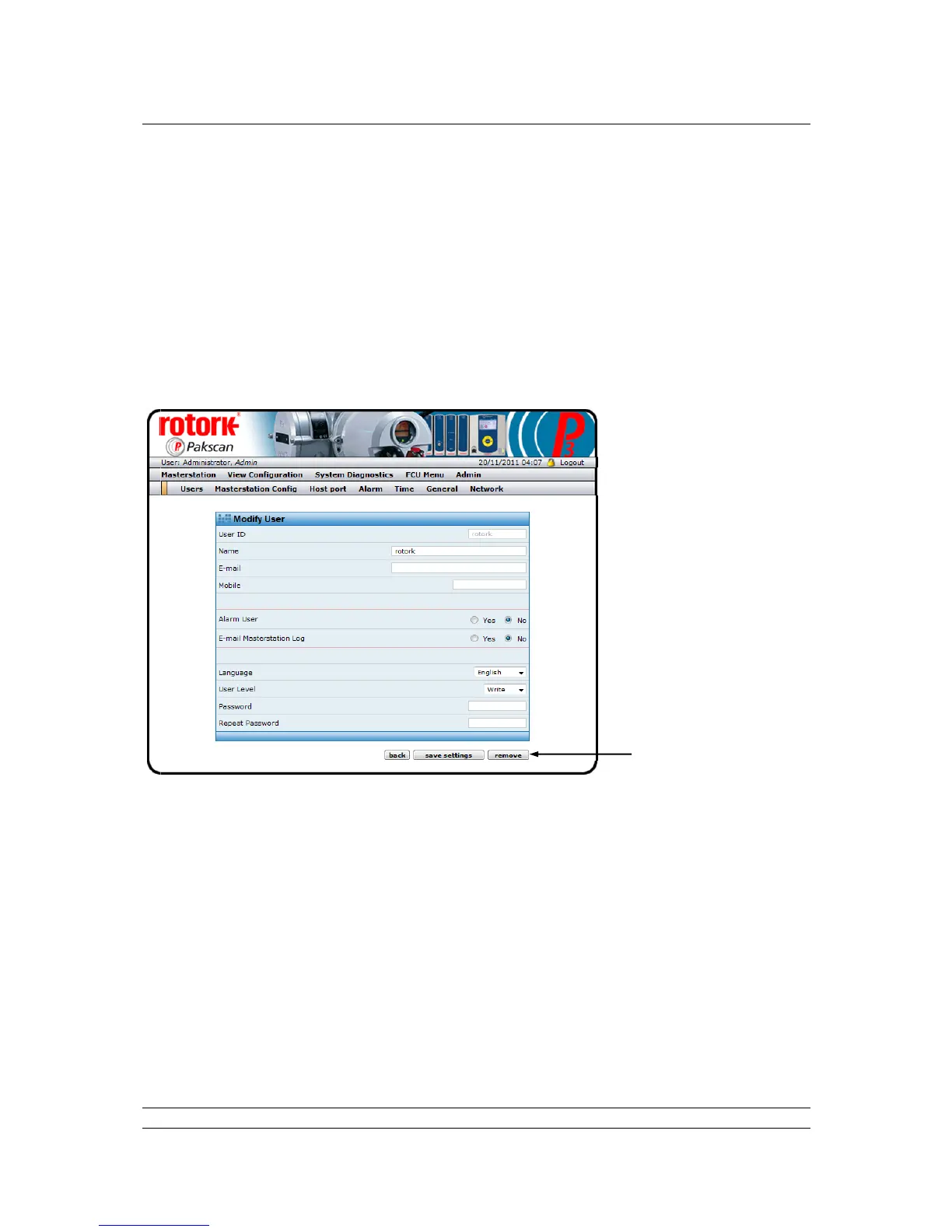
Fig 71: Modify User web page
The Modify User screen allows user details to be altered or a user to be removed. A User cannot
delete himself from the system. So, here in the example, the User ID of ‘admin’ is greyed out, since
this is the actual user.
Remove : Delete this entry on the system. A User cannot delete themselves, only
those with less access rights. If the User selects his own entry to modify
the button is greyed out.



 To Next Page