P3 - Pakscan Master Station Technical Manual
124 of 136 Publication PUB059-002-00 Issue 06/15
9.2 Viewing the data with the LTD Viewer software
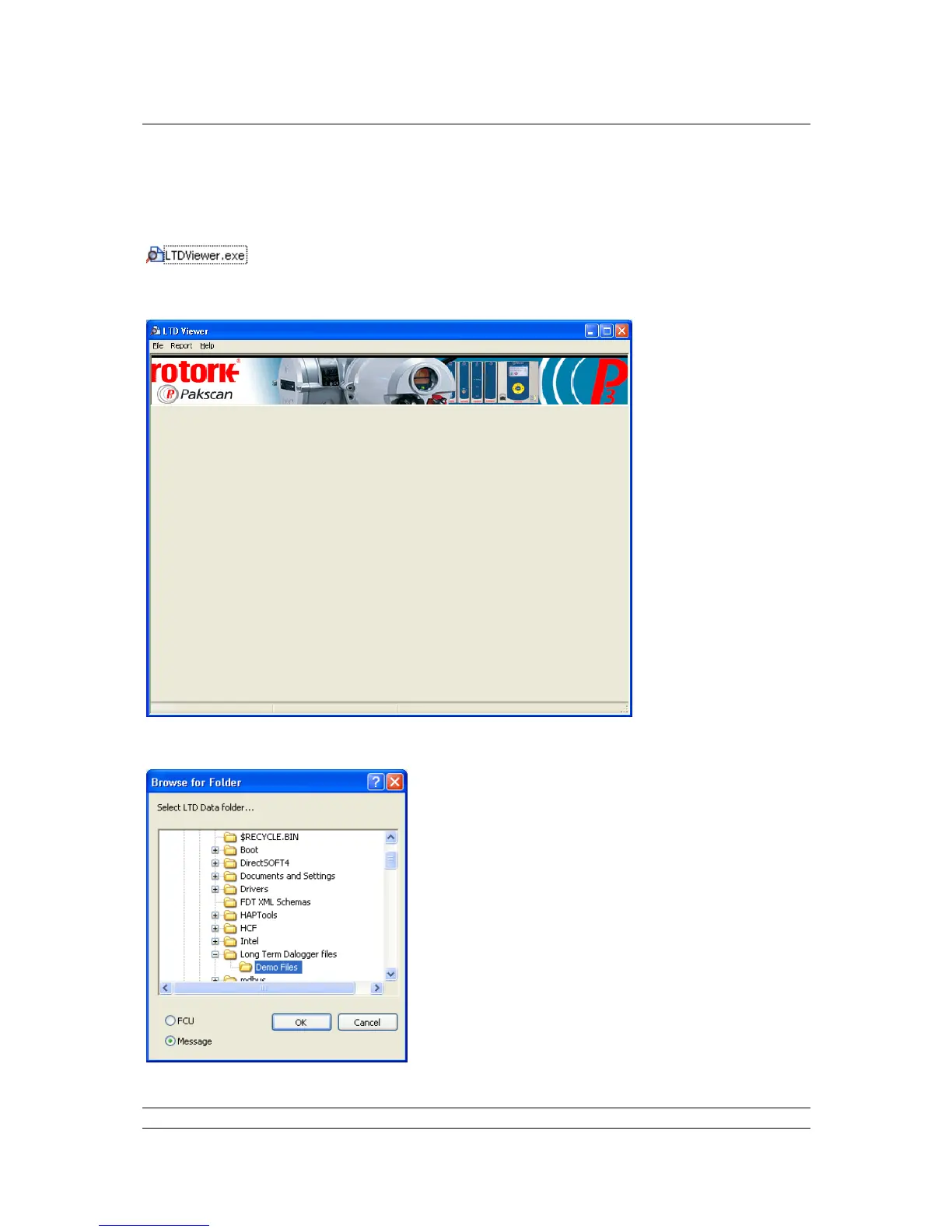
The LTD Viewer software is started by double clicking the icon.
The software will open with this following page:
Click on File, then ‘Select Folder’, navigate to the folder containing the datalogger data.
Using the radio button select either ‘Message’ or ‘FCU’ to
view the all the messages recorded by the LTD or the FCU
data.



 To Next Page