P3 - Pakscan Master Station Technical Manual
50 of 136 Publication PUB059-002-00 Issue 06/15
6.6.4 Master Station Parameters
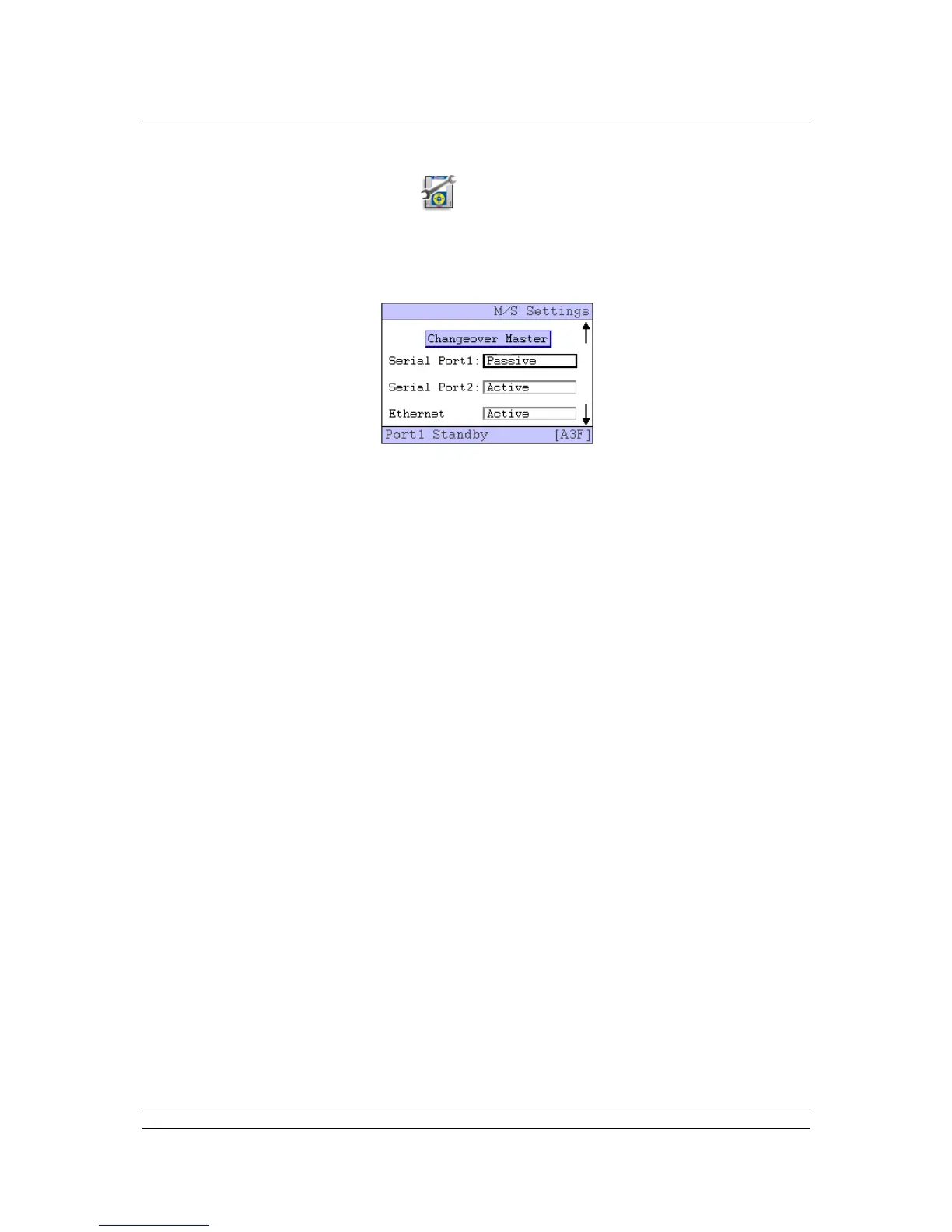
The master station parameters include the Tag for the master station and the setting for data
transferred between the two CPU modules on a hot standby system along with several other
parameters. Most of the default settings are suitable on most systems, though there is one particular
set of parameters that must be correctly set in the case of hot standby systems.
The Serial Ports should appear as Passive if the Cross Connect DIP switch is set to ‘cross connect’. If
the port is set to RS-485 highway and is being used on a multi-drop highway it must be set to passive.
If it is not shown correctly it probably means the DIP switch is incorrectly set.
Remember, the default setting is Standby Active.



 To Next Page