7. Internal Web pages
Issue 06/15 Publication PUB059-002-00 59 of 136
7.5.3 View Configuration
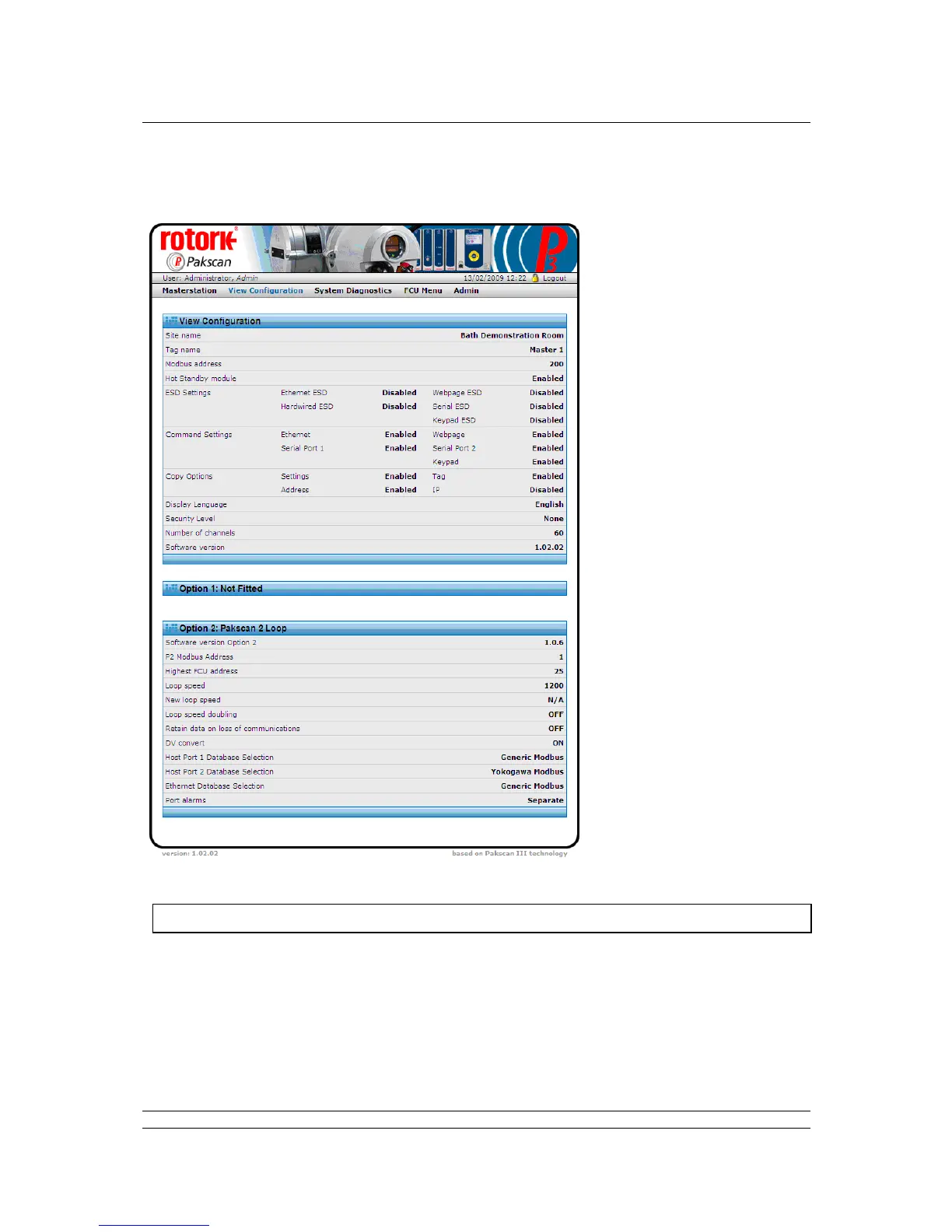
Fig 39: System Configuration Overview web page
The screen shows the settings for the control of the option module networks and the CPU control
capability, software fitted and various options selected. All of these settings can be modified
elsewhere, but only by users with Administrator level access. There are no controls on this page.
The settings are explained in the Master Station Configuration page section.



 To Next Page