7. Internal Web pages
Issue 06/15 Publication PUB059-002-00 77 of 136
Controls
Print : Prints the logger data to a printer attached to the computer.
Save : Saves the logger data to a file on the computer.
Parameters (Wireless Field unit) - Available to all user levels
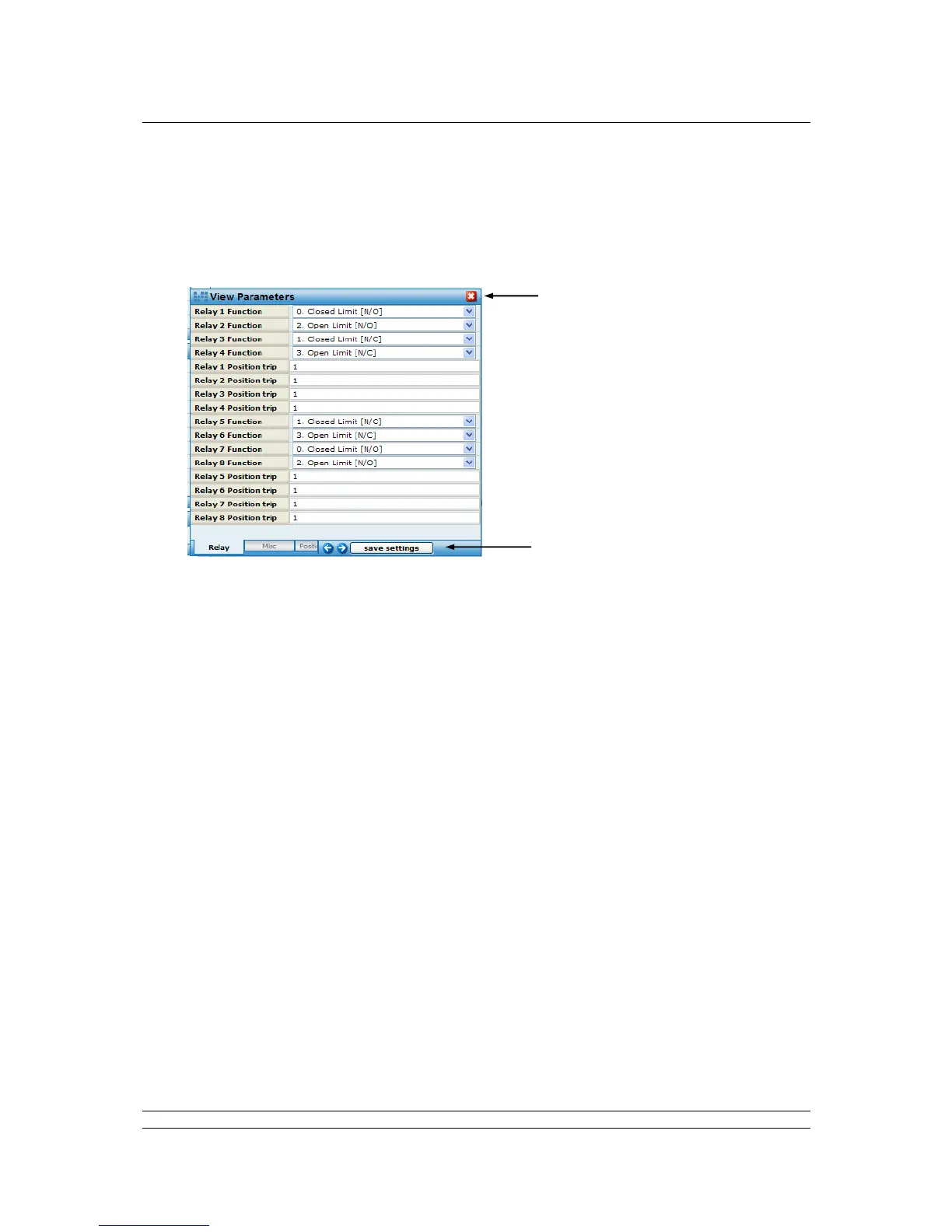
Fig 55: Wireless IQ / IQT Parameters pop-up
Pop-up screen shows the settings for all the parameters relating to the IQ / IQT actuator field
unit. For users with Administrator level rights, the values can be edited. The parameters are
used to determine the way in which the actuator responds to commands and reports data.
Information on how to set these fields is contained in the actuator field unit manuals.
Controls
Save Settings : Edited fields may be saved to the FCU; accessible by Administrator level
users only.



 To Next Page