7. Internal Web pages
Issue 06/15 Publication PUB059-002-00 75 of 136
these fields is contained in the actuator field unit manuals. This screen is used for changing
the Tag Name.
Controls
Save Settings : Edited fields may be saved to the FCU; accessible by Administrator level
users only.
Show Alarms (2-wire loop Field unit) - Available to all user levels
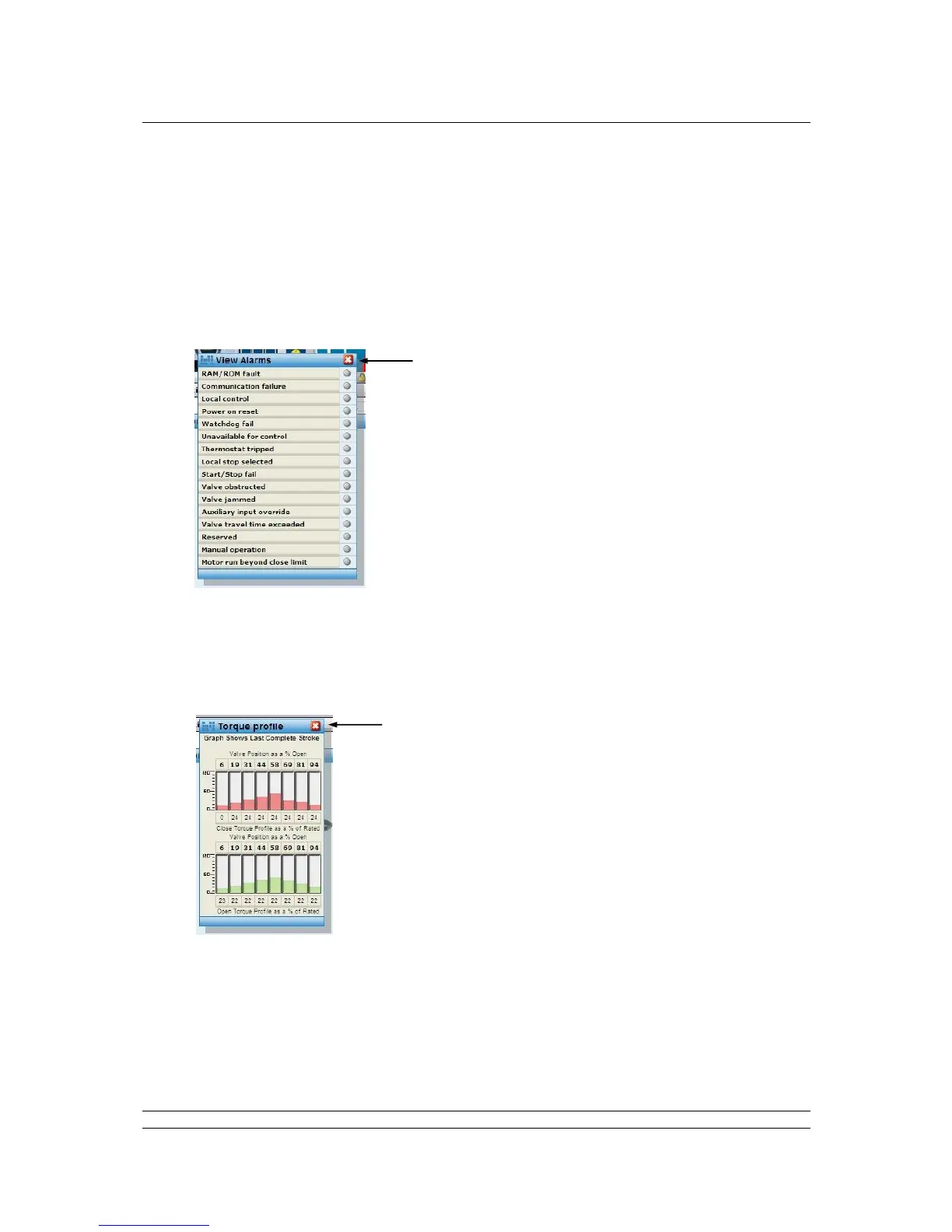
Fig 52: Wired IQ / IQT Alarms pop-up
Pop-up screen shows the alarms on the actuator as red lights; grey is no alarm. Additional
information on the meaning of these alarms is contained in the individual field unit manuals.
Torque Profile (2-wire loop and Wireless Field unit) - Available to all user levels
Fig 53: Wired and Wireless IQ / IQT Torque Profile pop-up
Pop-up screen shows the last complete stroke torque profile generated by the actuator.



 To Next Page