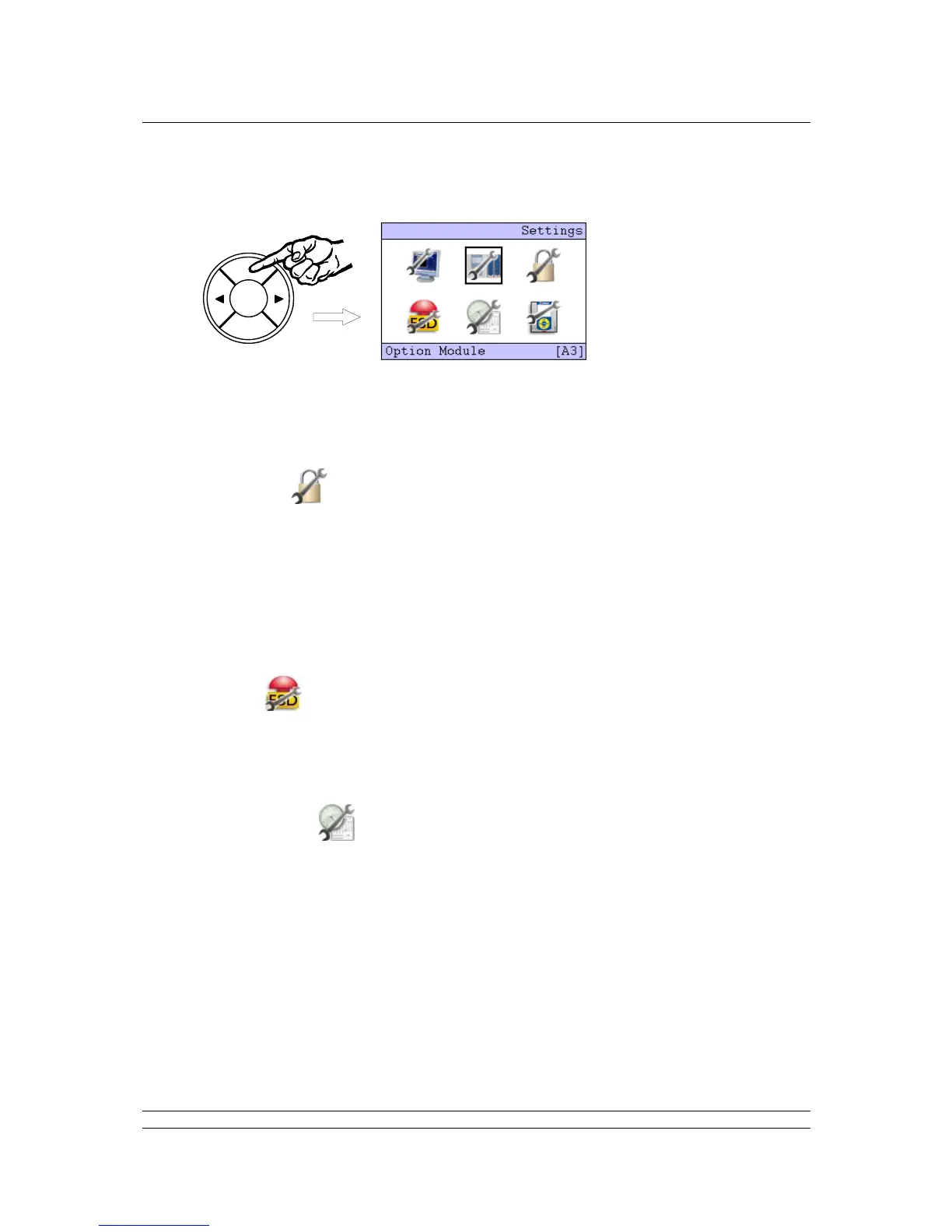
Once the settings are as required, use the BACK key to return to the top Settings menu.
6.6 The Other Settings
There are menus for setting all the parameters of the system. These are more fully explained in the
system manual and, in general, the default settings will allow most systems to operate with reasonable
success.
6.6.1 Security
Security is used for setting the PIN number to be used, plus the actions permitted from the keypad and
the serial ports via the Interlocks. The Security setting default requires a PIN for adjusting the settings
for system performance, but not for issuing actuator commands.
Interlocking controls the serial communications that are permitted to operate the actuators. The default
grants permission to all the serial ports and the Ethernet ports, but prevents the web page facility from
moving the valves.
The default PIN = 0000.
6.6.2 ESD
The default condition is to disable all the possible Emergency Shut Down routes. ESD can be enabled
from the serial ports, Ethernet ports, Web page, hard-wired input or keypad on an individual actuator
selection basis. If this ESD function is not required, ensure that a shorting link is fitted across pins 4
and 5 of the PS710 CPU module connector.
6.6.3 Date and Time
The date and time, plus the use of an NTP server are set from this menu. The time stamp is used for
the logging facility.



 To Next Page